 Sparkles EditorCredits & billing
Great ideas grow one conversation at a time.
You do not need a perfect prompt to begin. Follow practical examples, make one decision at a time, and turn an idea into something you can see.
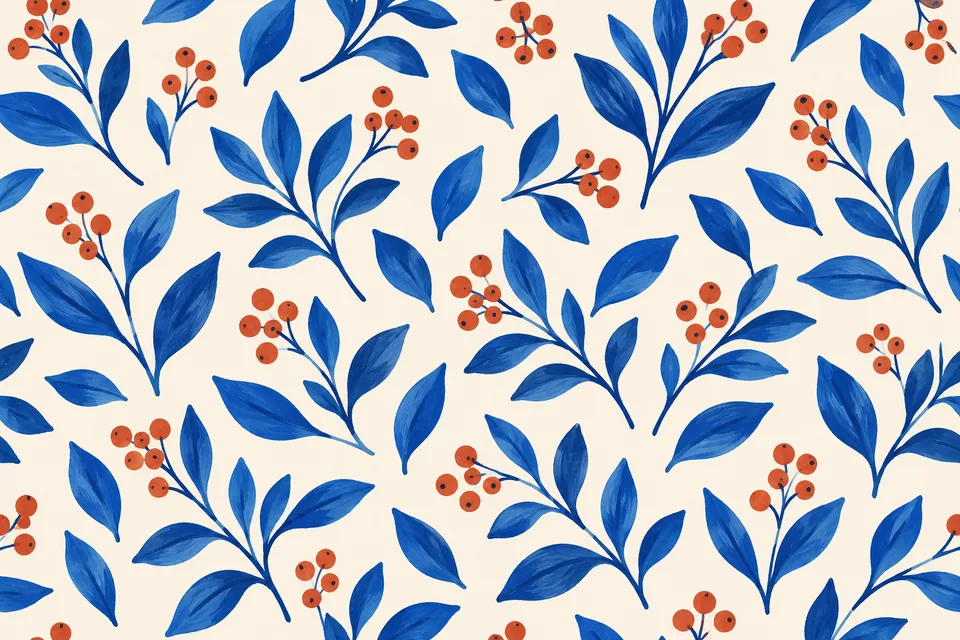
Seamless pattern checker workflow: test AI image edges
Check an AI pattern by placing four exact copies, inspecting edge joins and correcting the source. Includes a complete tile prompt, coordinate table and export checks.
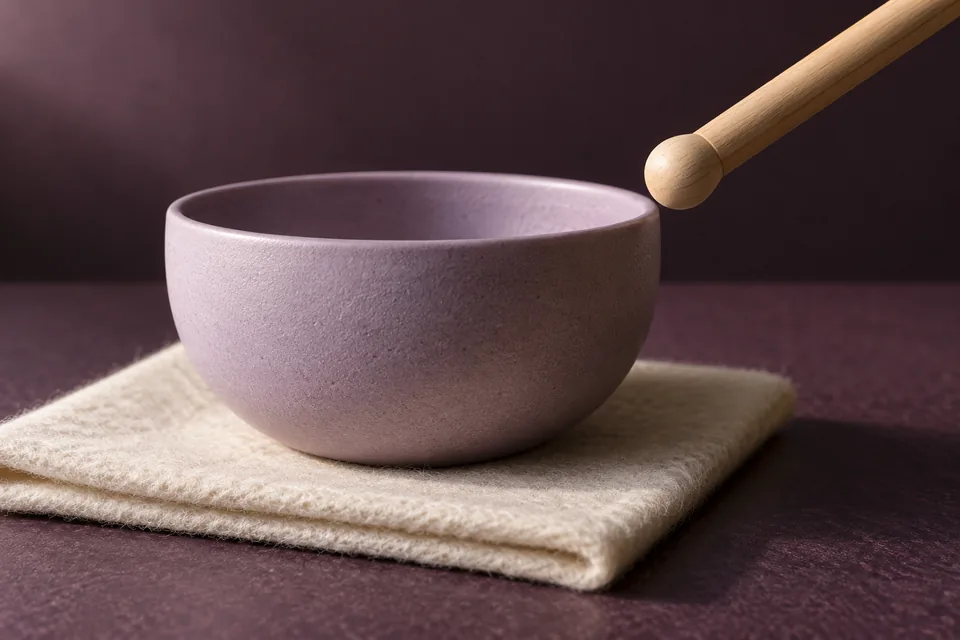
AI ASMR prompts: align sound with one visible action
Plan a five-second AI ASMR clip with a clear starting image, separate motion and sound instructions, and a practical synchronization checklist.
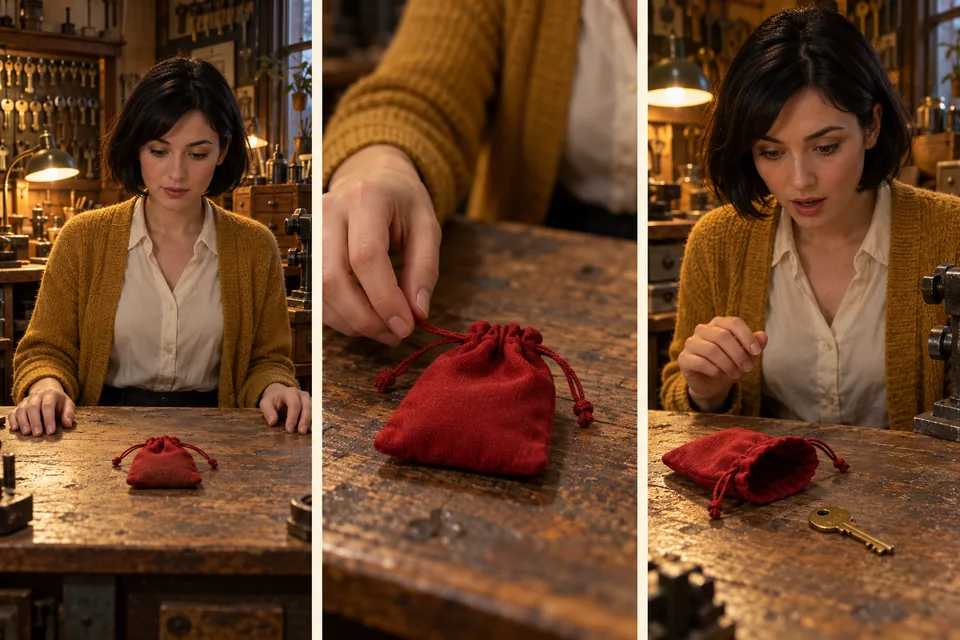
AI microdrama storyboard: three shots, one consistent prop
Plan a three-shot vertical AI microdrama with a character reference, a prop-state table and targeted corrections. Start with a small pilot before building a series.
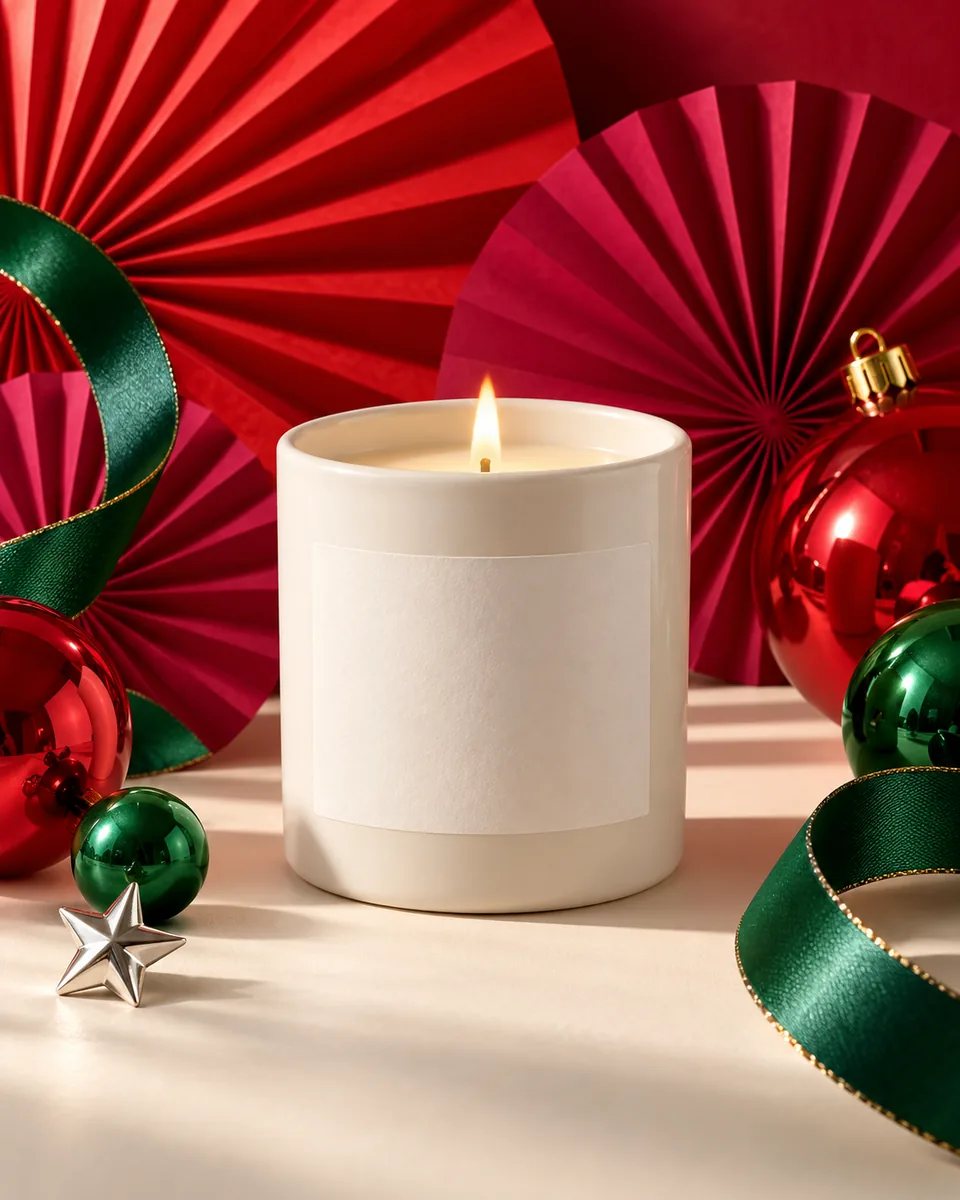
Merrymaxxing AI Christmas product photos: a candle campaign
Create a maximalist Christmas product-photo concept with one reference image. Copy the full AI prompt, control festive props and check the product before export.

Craftmas AI poster: design a Christmas craft-night invitation
Make a Craftmas workshop poster with an AI background and editable event text. Includes complete prompts, a date-change example and phone and print checks.
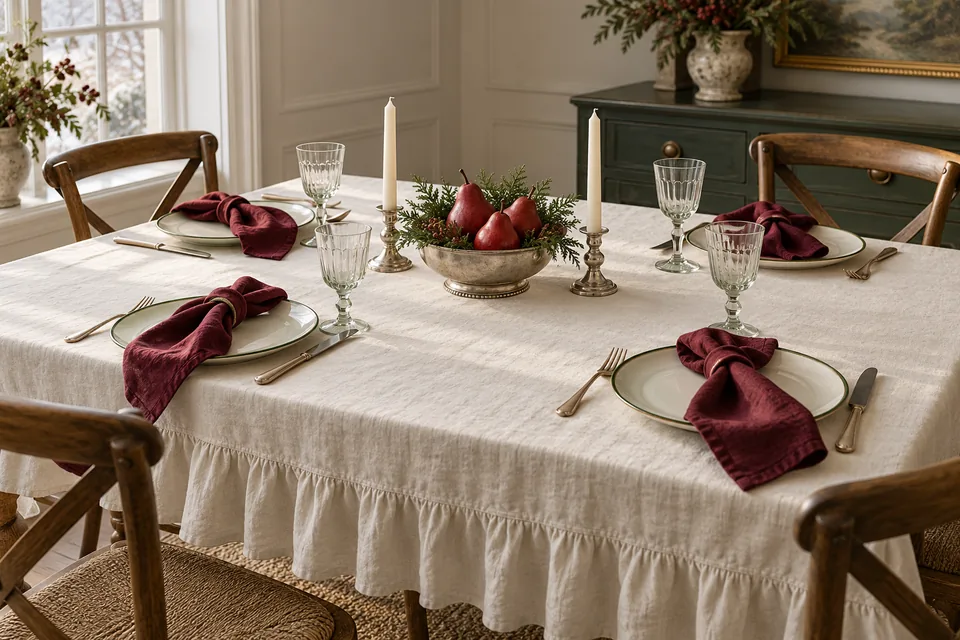
Table Dressing with AI: a holiday tablescape moodboard
Plan a Table Dressing concept around your own table and tableware. Build three comparable AI tablescape directions, keep geometry consistent and review what is practical.

Connect a Telegram AI bot for creative chats, reference images and original files
Connect your own Telegram bot to Sparkles Editor. Pair a private chat, send references, switch sessions and models, and return to the canvas with clear file and Credits rules.

Lark and Feishu AI bots: group topics, permissions and Credits
Connect a Sparkles application bot to Lark or Feishu. Set group triggers and member access, use topic context and result cards, and understand administrator funding and visibility.
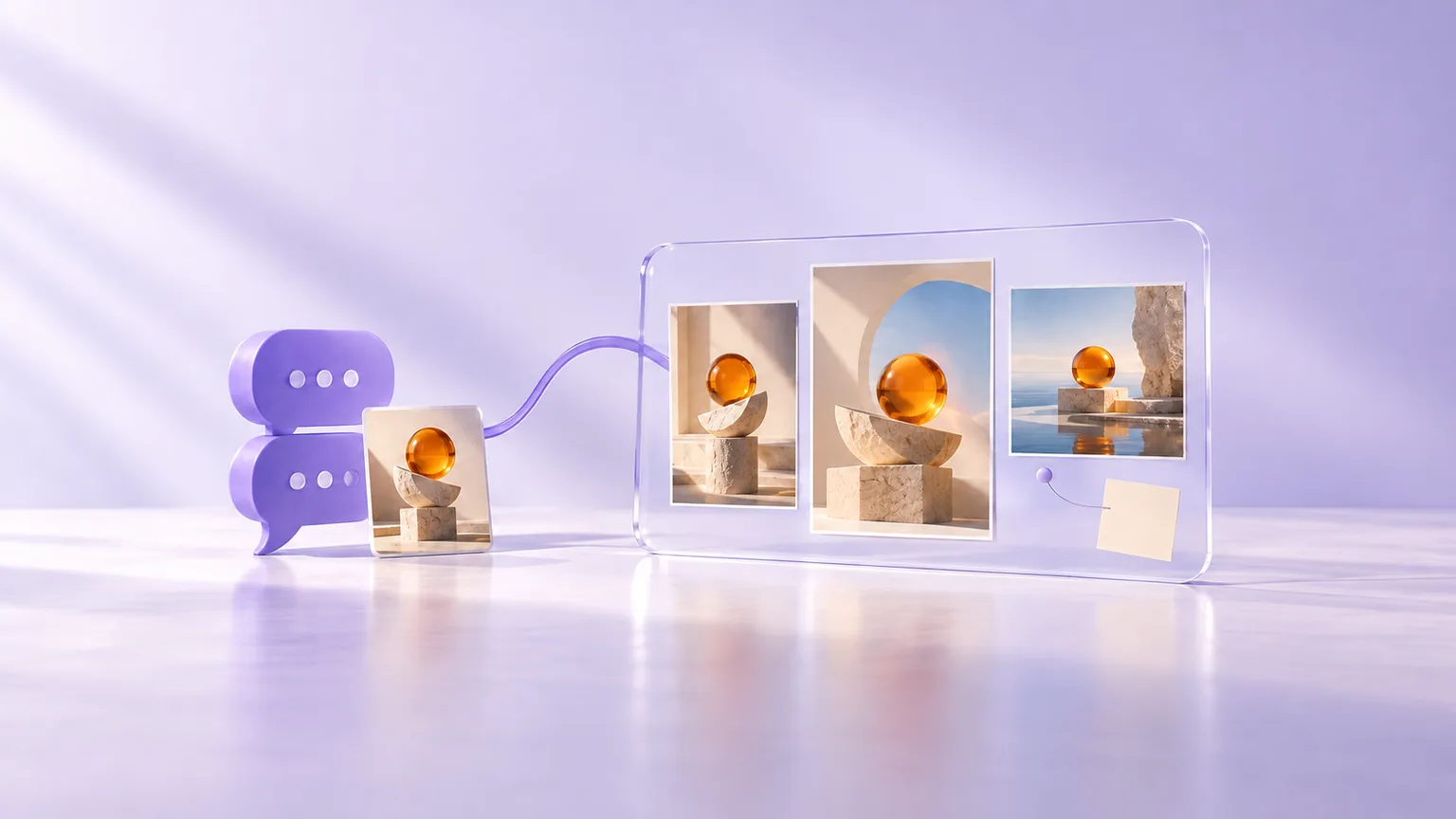
From Telegram or Lark chat to an AI canvas: references, results and original files
Develop a brief in chat, then inspect and organize results on the Sparkles web canvas. Learn the different Telegram and Lark paths, reference handling and original-file delivery.
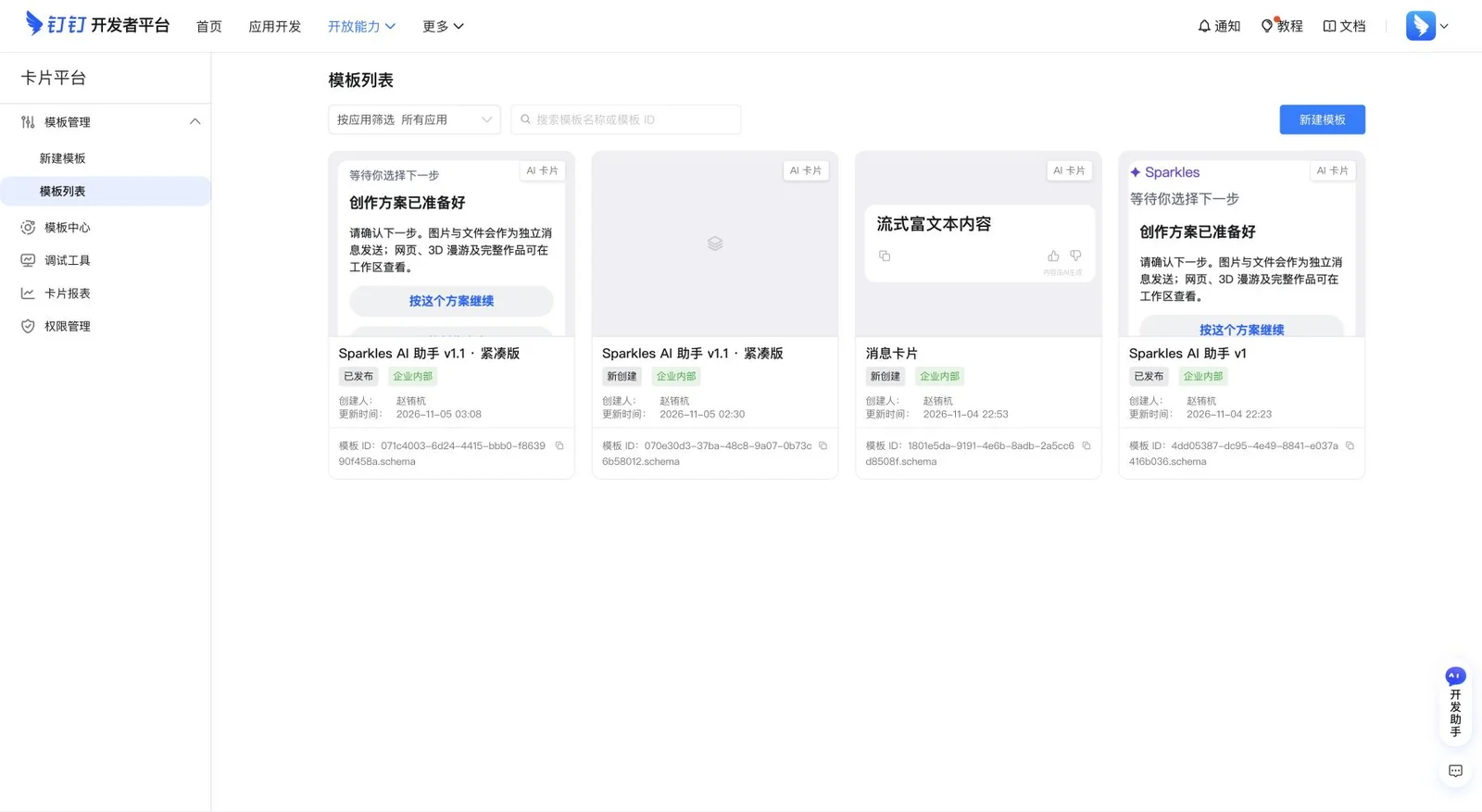
DingTalk AI bot setup: real screenshots for permissions, cards and publishing
Connect a DingTalk enterprise bot to Sparkles with real screenshots for Stream mode, permissions, JSON card import, variables, preview states and publishing.
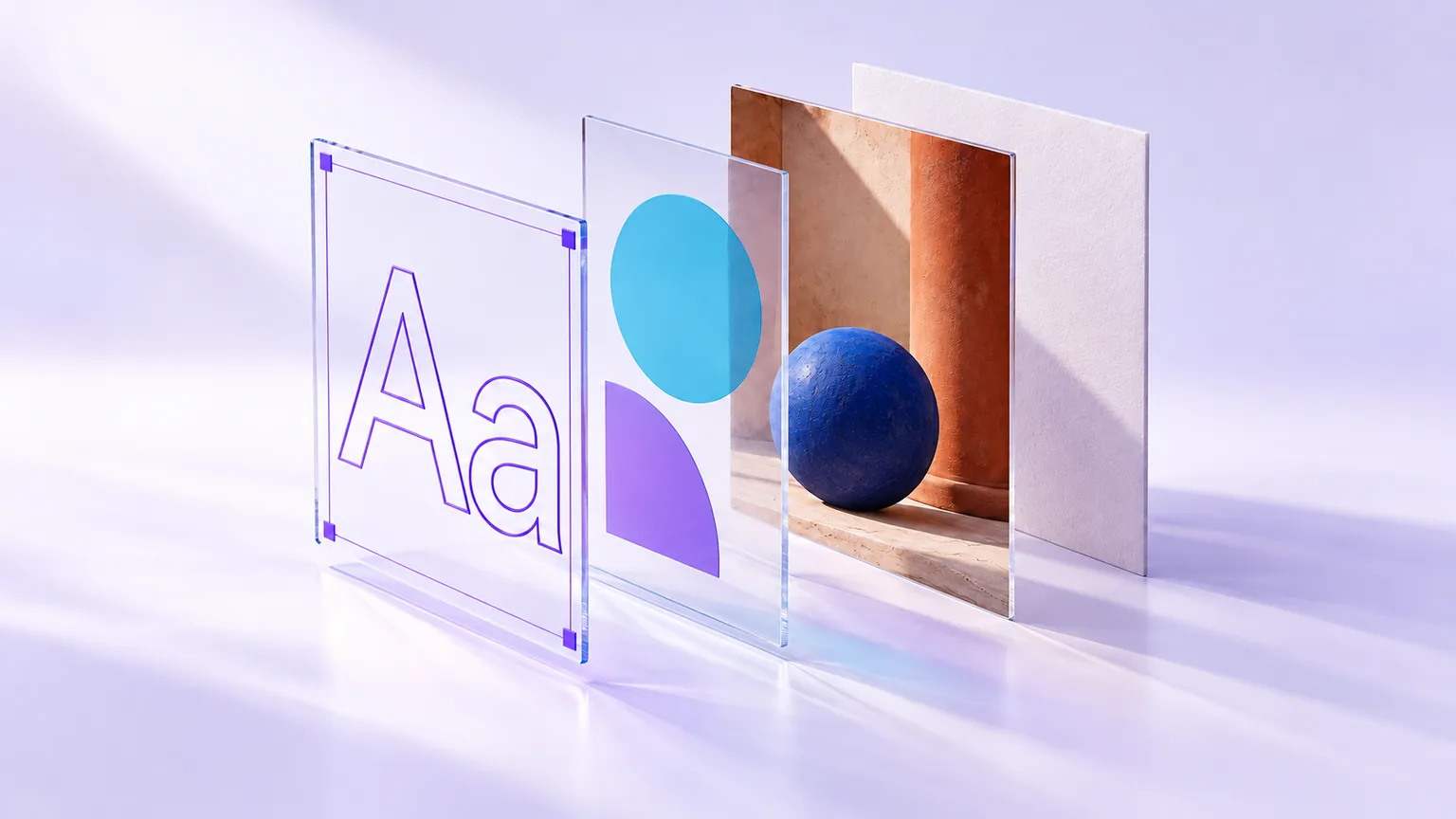
Create an editable AI poster: layers, text changes and canvas updates
Make a poster with separate text, shapes and image layers in Sparkles Editor. Follow a complete prompt, edit one text element, update the same canvas card and choose a suitable export format.
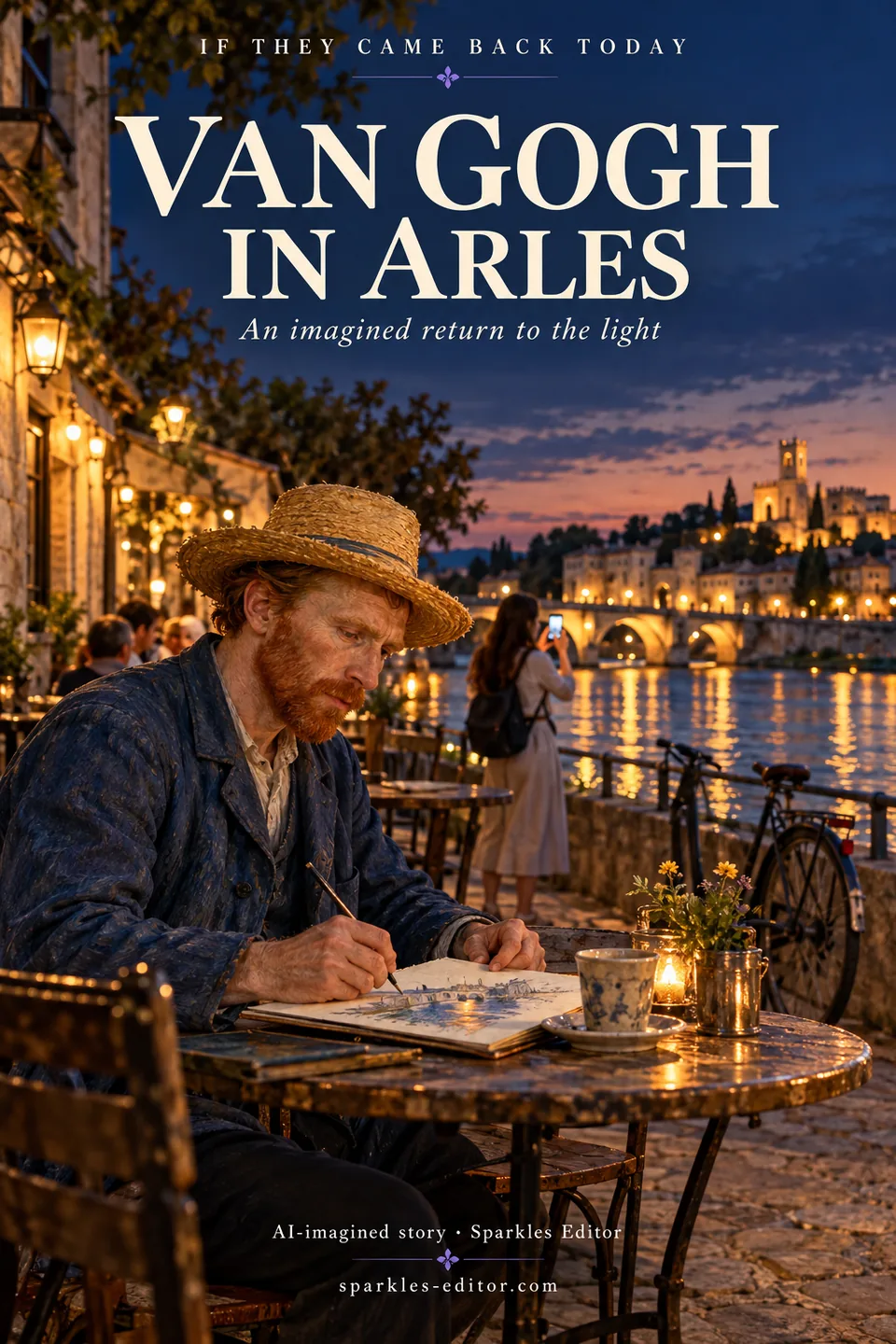
If they came back today: 3 AI travel portrait ideas
Imagine Van Gogh in Arles, Monet in Giverny and Su Shi at West Lake. Explore three original AI posters, their complete prompts and a practical way to create your own.
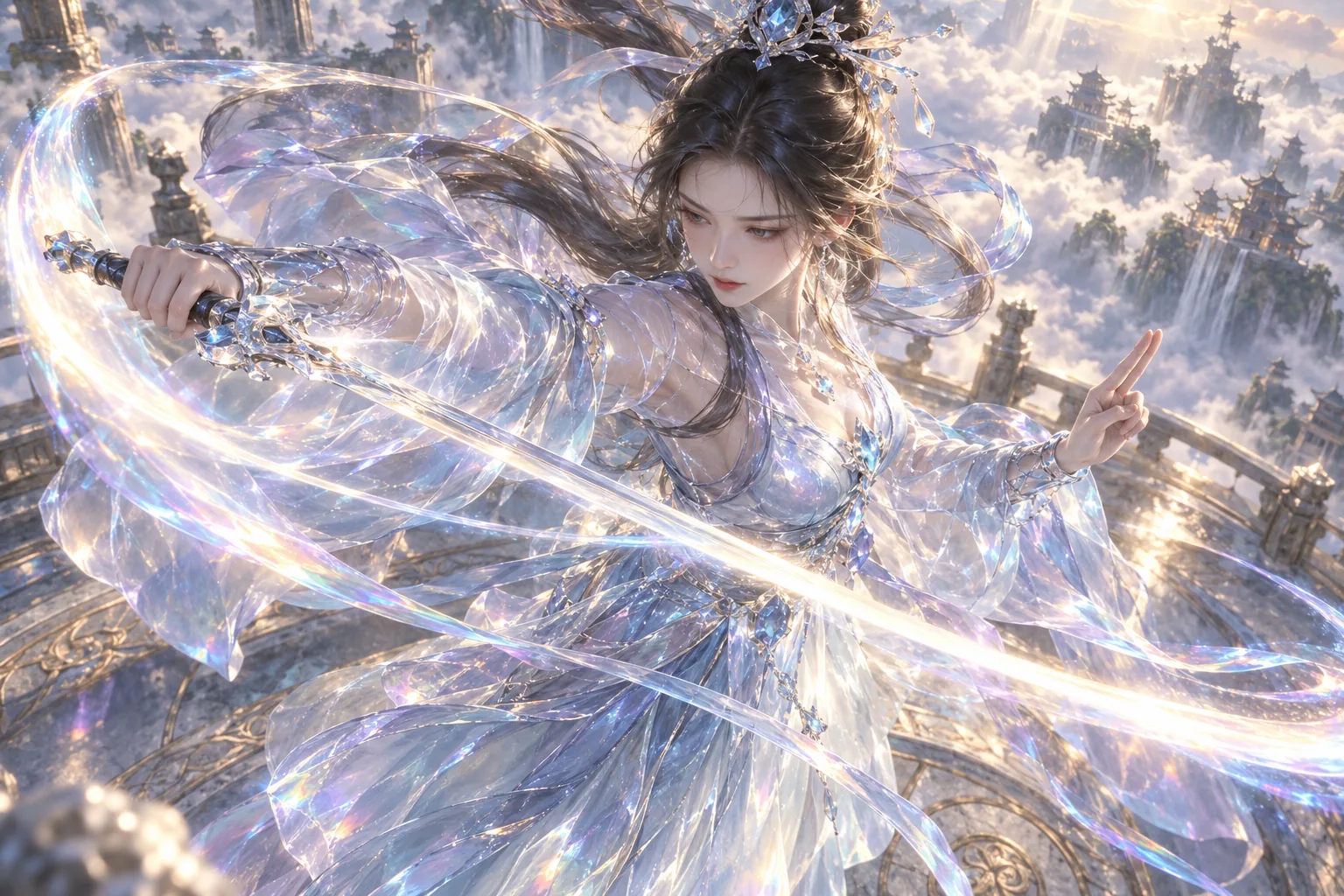
A 360° rotation guide: orbit the camera and change the outfit
Explore a standard orbit and two particle outfit changes with real generated videos. Prepare references, choose a model, inspect the frames and download a five-second MP4 or a still frame.
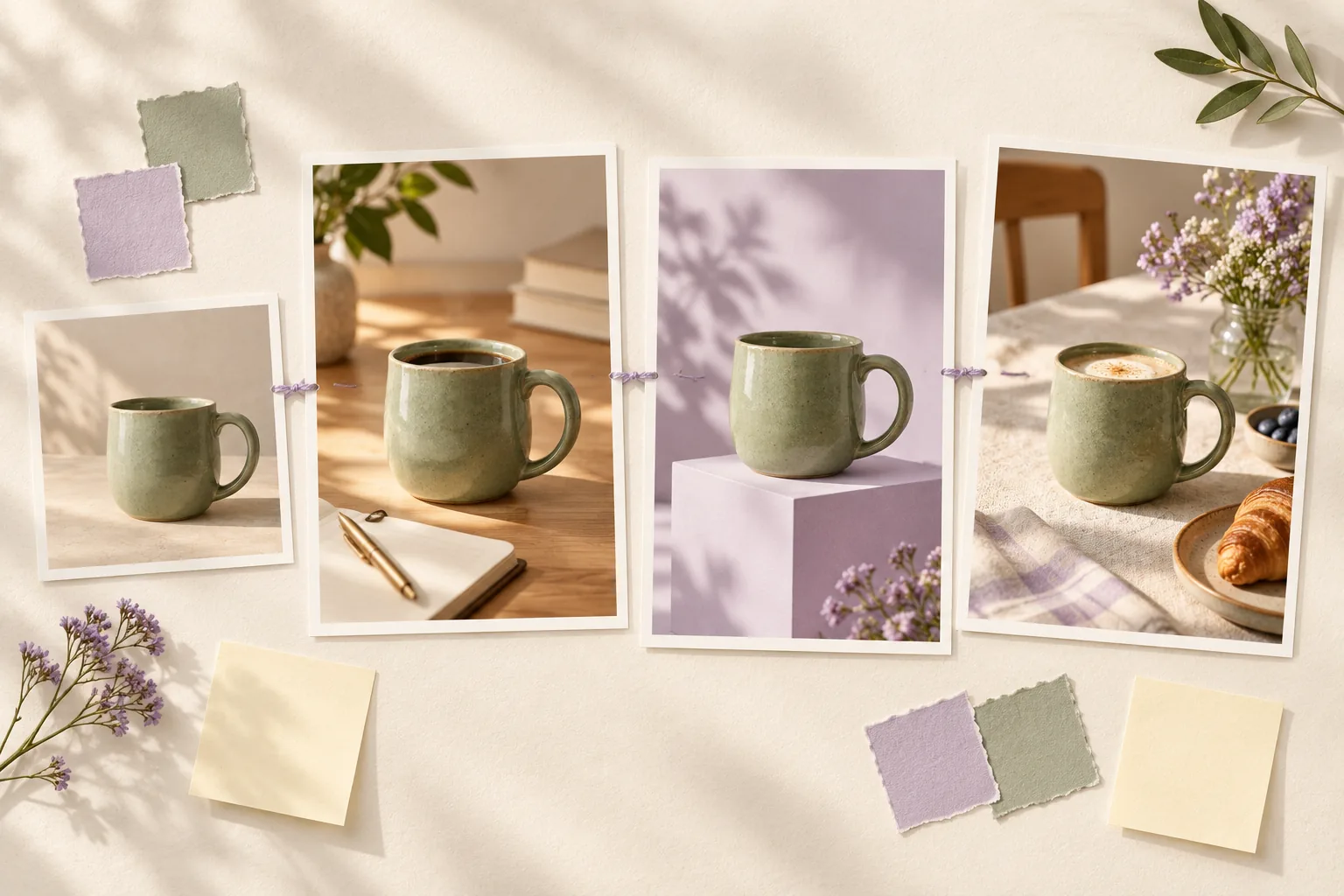
An infinite canvas workflow: one reference, three related images
Build a moodboard around one ceramic mug, create a first image, then a coordinated set. Includes three complete prompts, original illustrations and export checks.
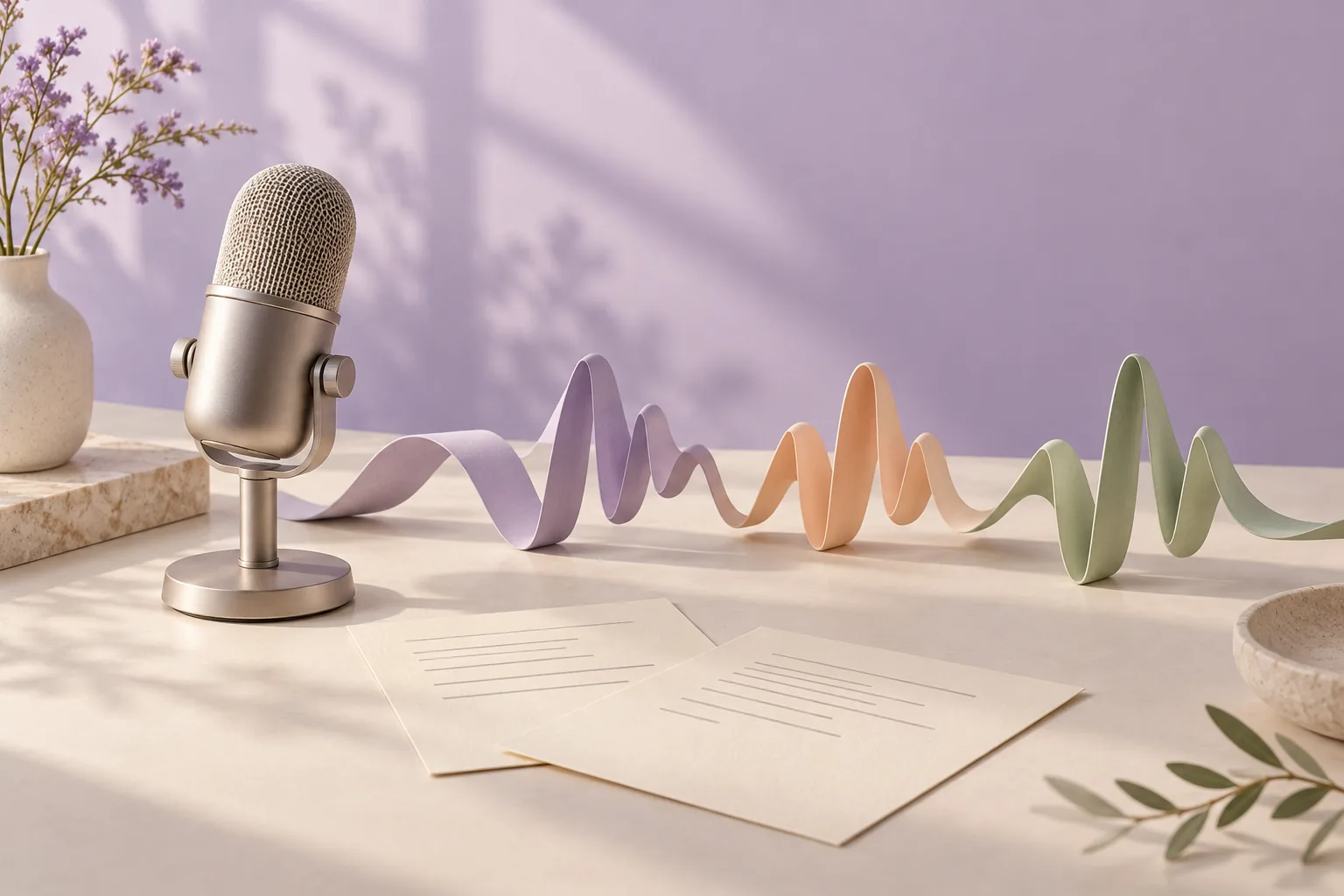
AI voice prompts: preset voices, voice design and voice cloning
Separate the script from delivery instructions with three complete voice examples. Includes a real form screenshot, listening checks and a focused revision prompt.
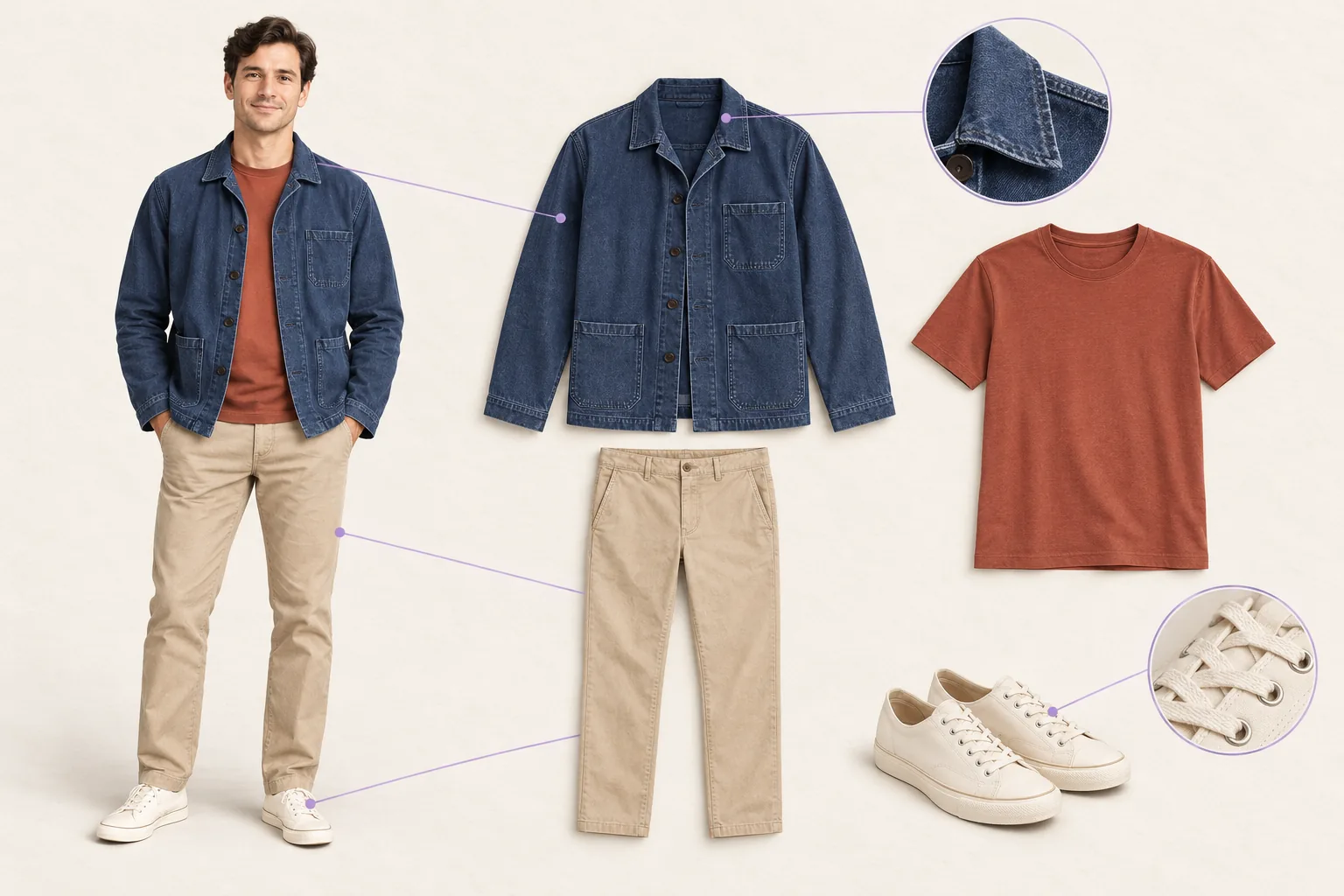
An outfit breakdown guide: turn a photo into a clothing study
Create a clothing breakdown from one outfit reference, keep multiple sources separate and fix specific details. Includes complete prompts and original illustrated examples.
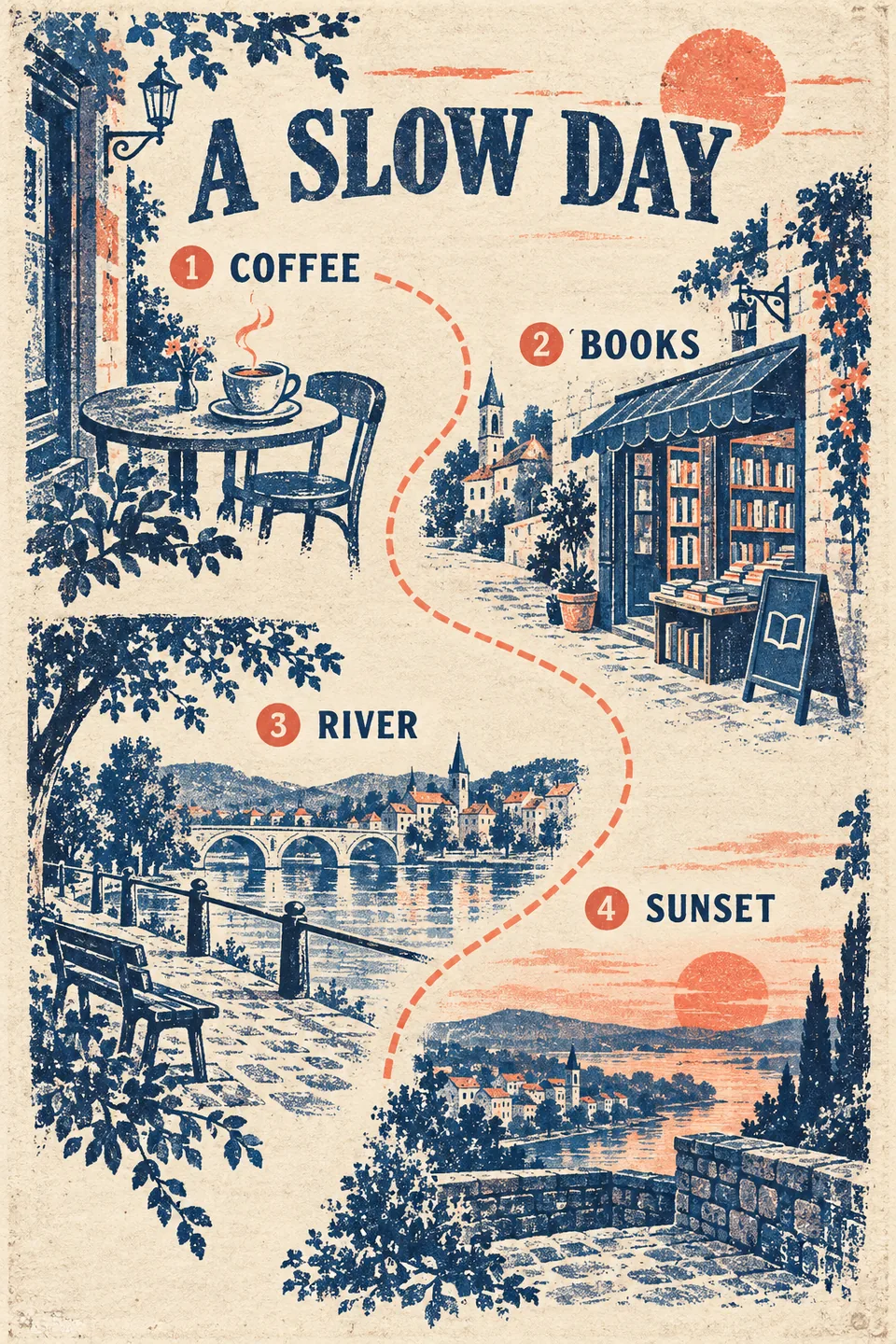
Plan an autumn weekend road trip without spending it all in the car
Build a two-day autumn road trip around a driving limit, one overnight base and a rain alternative. Includes a complete AI planning prompt and an illustrated-route checklist.
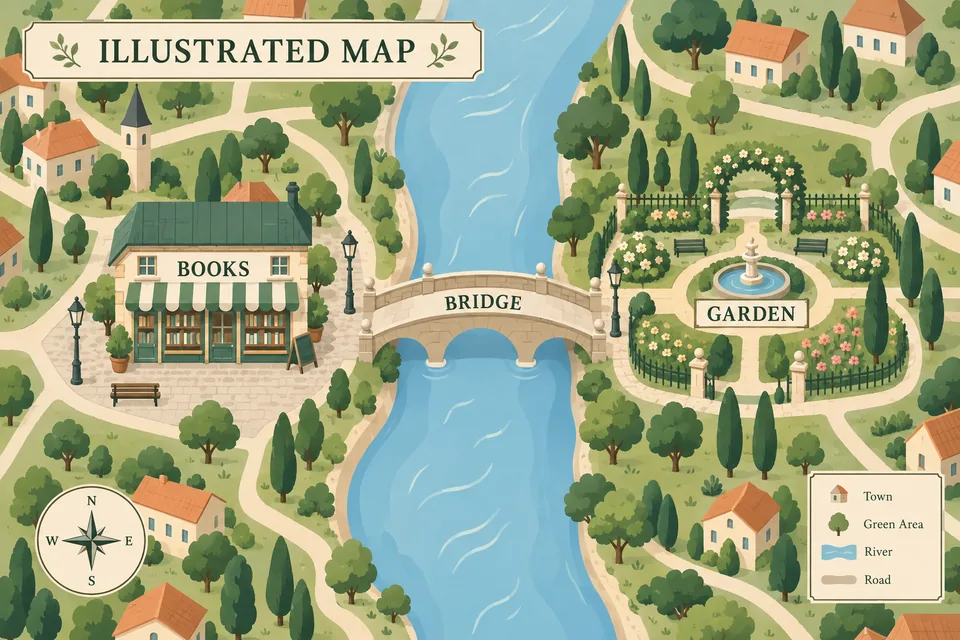
Plan a one-night city break around the times you cannot move
Make a two-day, one-night city itinerary around arrival, event entry, bag storage and return transport. Includes a complete prompt, delay plan and shareable timetable workflow.
Fact-check an AI travel itinerary before booking or making pictures
Audit opening hours, tickets, transport and price claims with a reusable evidence table. Then create illustrated travel cards or a PDF without turning guesses into facts.
How to make a travel itinerary PDF with pictures from a chat
Plan a trip in chat, place relevant pictures beside each day, and export a downloadable PDF. Includes a complete prompt and a file-check checklist.
Turn a multi-day travel itinerary into day-by-day images
Create a cover and one image per travel day from the same itinerary. Keep dates, stops and style consistent, with prompts and checks before sharing.
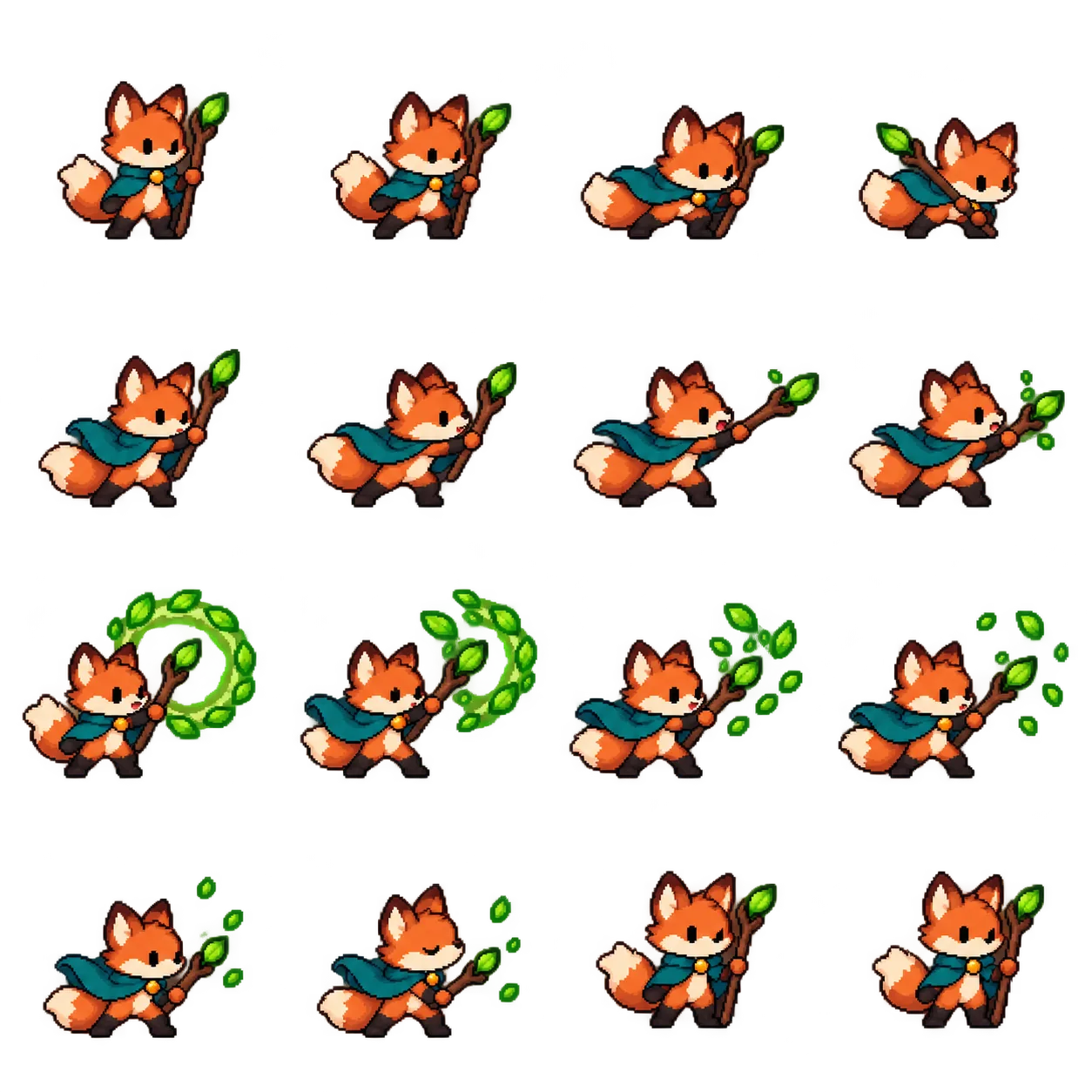
Fix an uneven 4×4 sprite sheet without cutting off heads
AI sprite sheets can have uneven rows despite a 4×4 prompt. Learn to adjust cuts, preserve intentional empty frames and preview before GIF export.
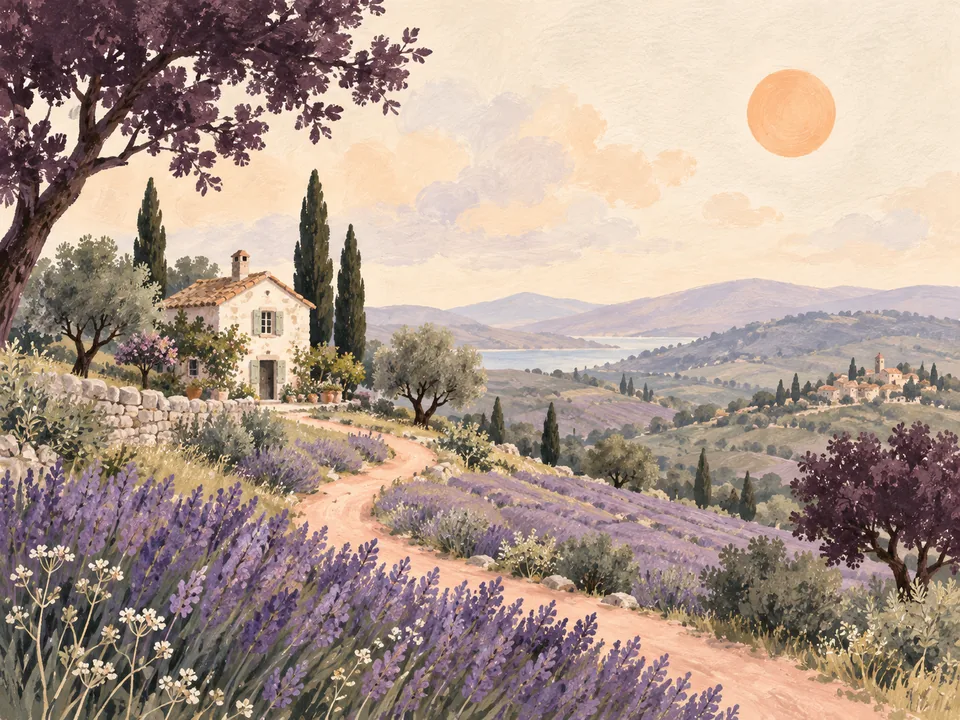
GPT Image 2.6: how to choose between the three image models
Learn how gpt-image-2.6, gpt-image-2.6-sunburst and gpt-image-2.6-flare are used in Sparkles Editor, then choose automatic routing or a fixed model for your next image.
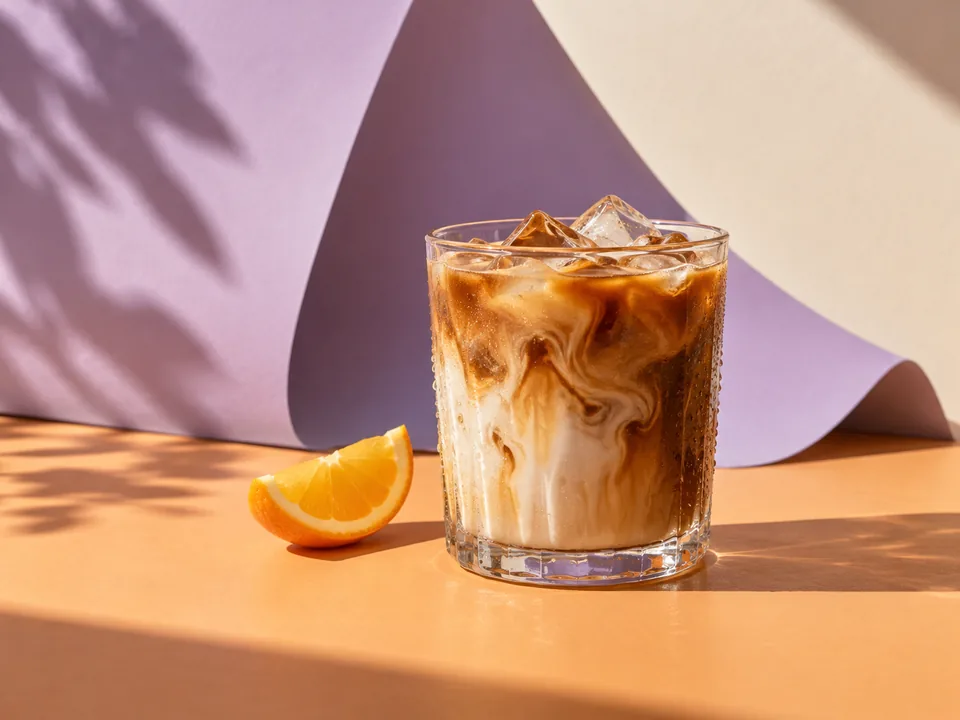
GPT Image 2.6 workflows: auto routing, references and chat channels
Choose automatic or fixed image models in Agent conversations and connected chat channels. Use references, transparent output, readable text and repeatable fallbacks.
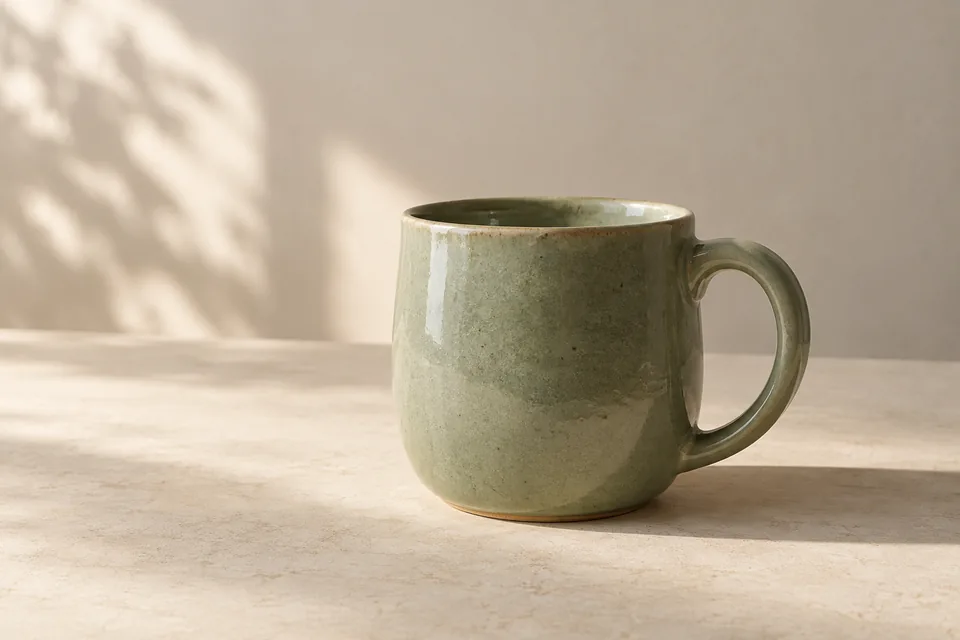
AI product photography prompts: 5 complete starting points
Five complete AI product photography prompts for ceramics, skincare, drinks, coffee and a contact sheet. Learn to adapt each to your product reference.
Sprite sheet to GIF: make your character move
Turn a static sprite sheet into a GIF in Sparkles Editor. Import your image, align the grid, preview every frame and export for free. See an original 16-frame example and practical fixes.
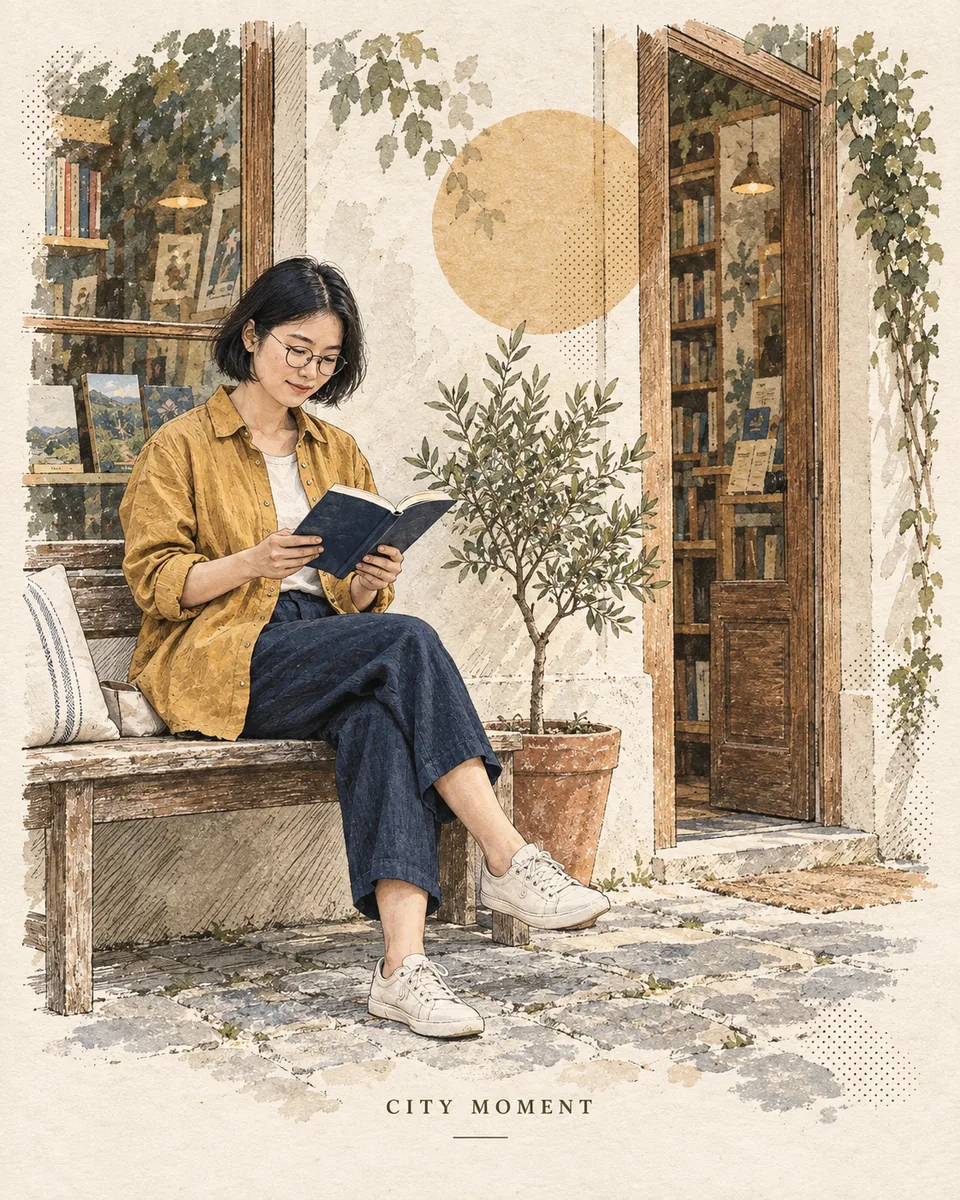
Turn a photograph into an editorial print without losing the moment
Keep the person, gesture and setting recognizable while changing the medium. A practical guide to paper texture, restrained color and reference-led illustration.

A photo above, a tiny painted memory below
Create a balanced 3:4 photo-and-illustration page, control the miniature’s scale and understand when a separate layout step is needed to preserve the original photo.
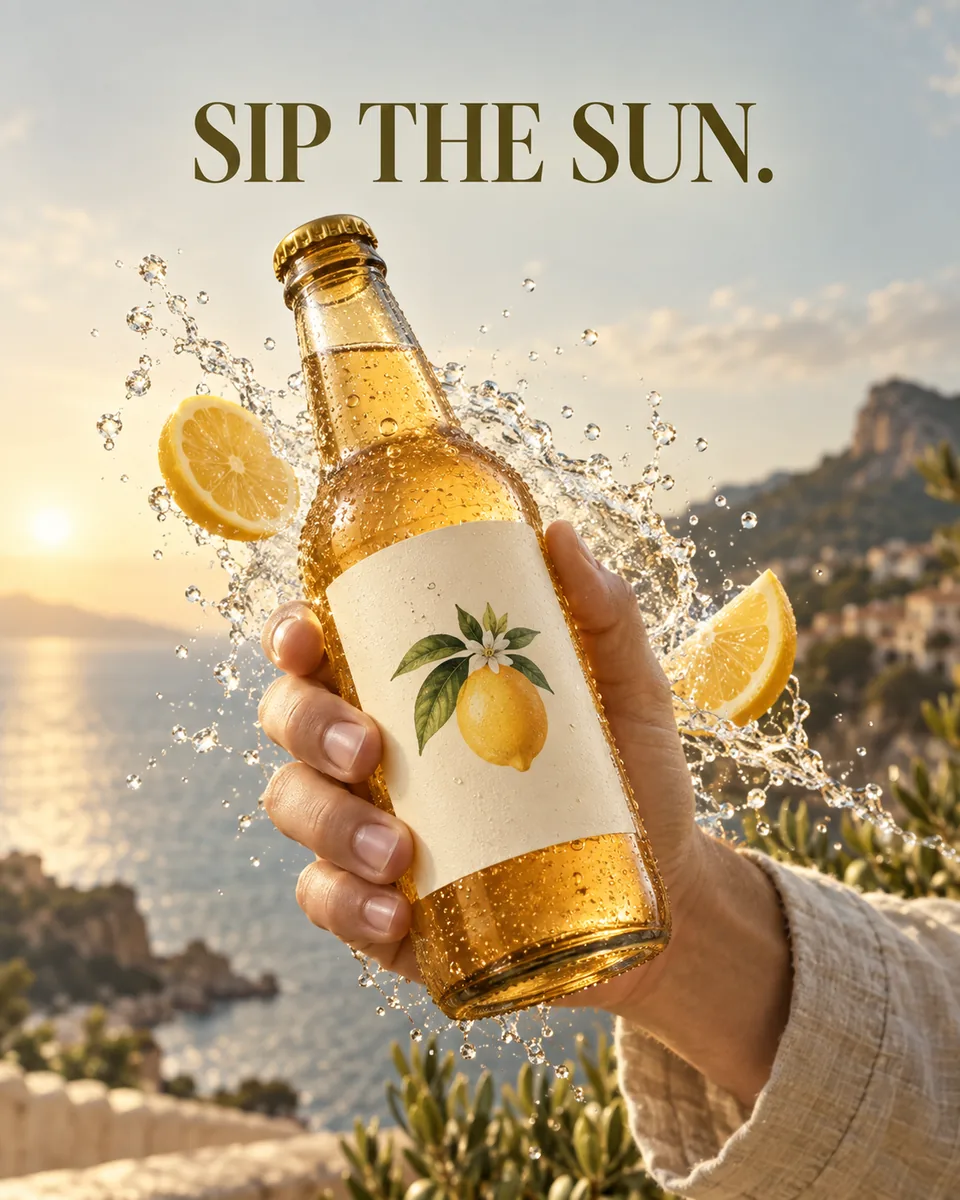
Give your product poster one believable action
Build a campaign around one product, one human gesture and a three-word headline. Two full prompts cover splashes, pouring, product identity and visual hierarchy.
Plan a 16-frame pixel sprite sheet that can actually be reviewed
Build a 4 × 4 character action or idle study, inspect registration and alpha, then understand the separate steps required for usable animation files.
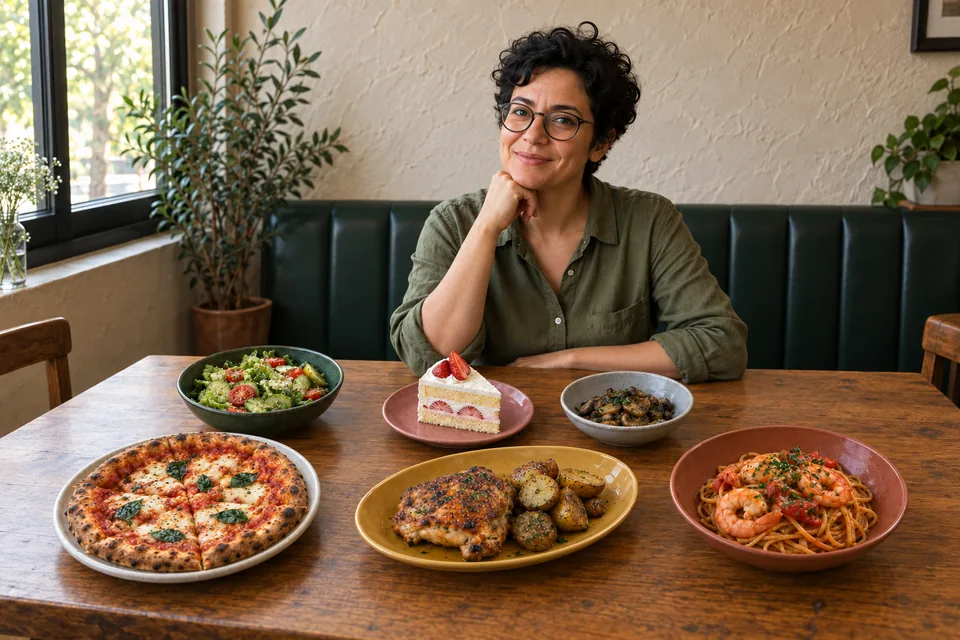
You, a full table, and no waiting for the photo
Take one portrait and photograph each dish as it arrives. Compose a relaxed meal portrait with Sparkles Editor, with original AI examples, a reference checklist and prompts to copy.
From a first idea to your first AI image
Create with Sparkles Editor one decision at a time. Define your goal, explore a visual direction and turn a rough idea into an image without starting with a perfect prompt.

Use reference images with a clear creative purpose
Separate subject, style and composition references. Tell Sparkles Editor what to preserve and what to change, then refine the result through a focused conversation.
Design a poster by starting with the message
Build a coffee campaign with Sparkles Editor. Explore the audience, message, hierarchy and format before creating a visual, then refine one decision at a time.
The same approach helps you learn.
Work through learning goals or explain a topic, then export a PDF, Word, or Markdown document. Start with your audience, topic, and purpose; the assistant helps fill in the details.