 Sparkles EditorCredits & billing
 SPARKLES EDITOR · Guided creation
Give your ideas room to shine.✦
Start with an idea. Create images, videos, short films and documents with an AI assistant that helps you shape and refine each step.
Register or sign in to keep your creations.
Choose where to start
Try an idea
Your creative partnerOnly have a vague idea?
Only have a vague idea?
Let us explore it together.
You do not need a complex prompt to begin. Describe what you want and work it out with the assistant, or open a tool when you know what to make.
- Describe your ideaShare the purpose, style and details to keep. Add a reference if helpful.
- Refine it togetherThe assistant helps shape the result. Add details or change direction as you go.
- Save and keep creatingReturn to your chat or library, download the result and keep refining.
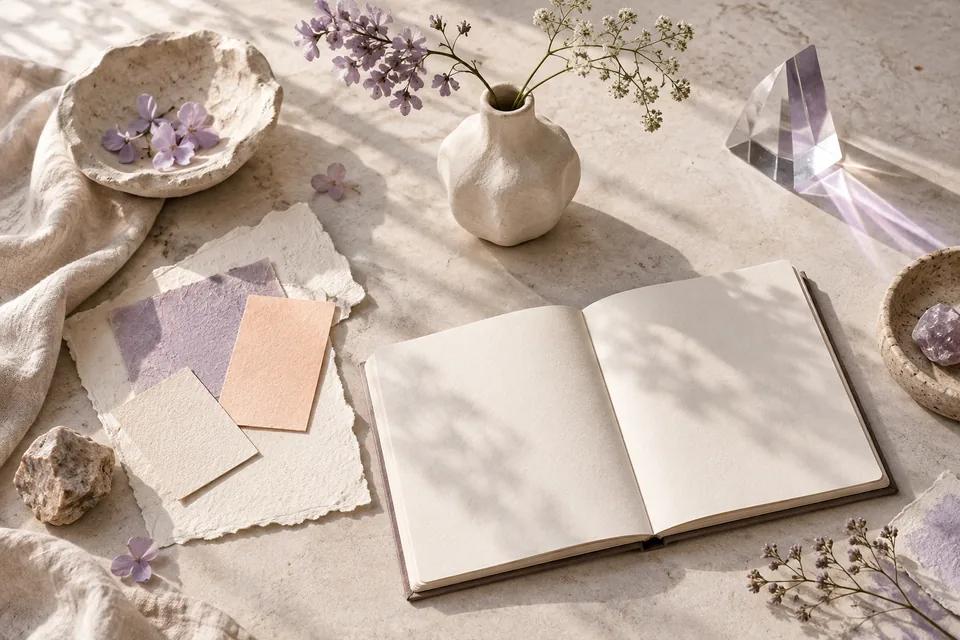
Explore ways to create
What would you like to make?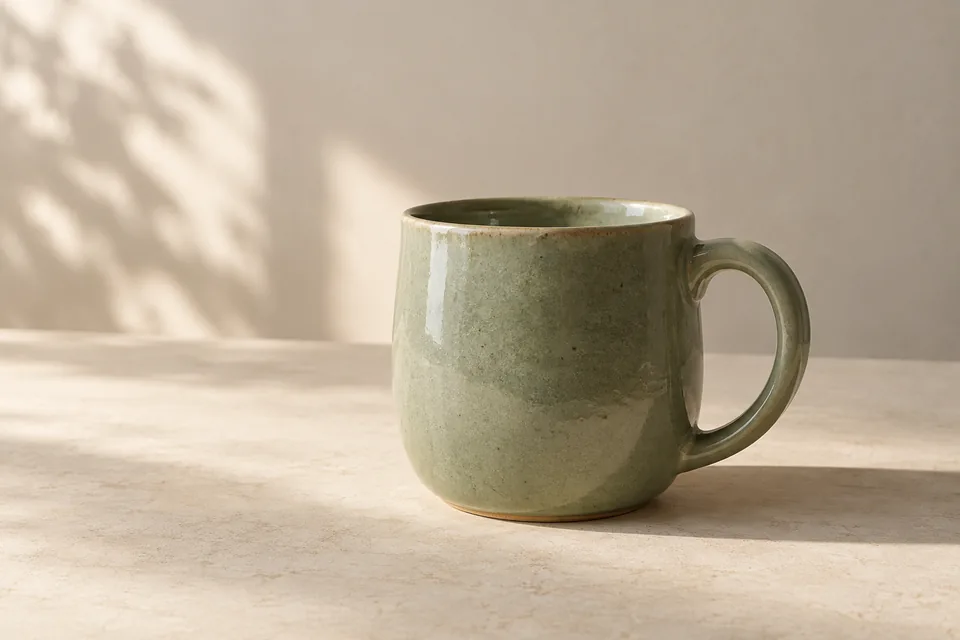
AI product photography, with your product in focus
Turn a product reference into a considered lifestyle scene. Plan lighting, backgrounds and composition with an AI assistant, then review the details against your original.
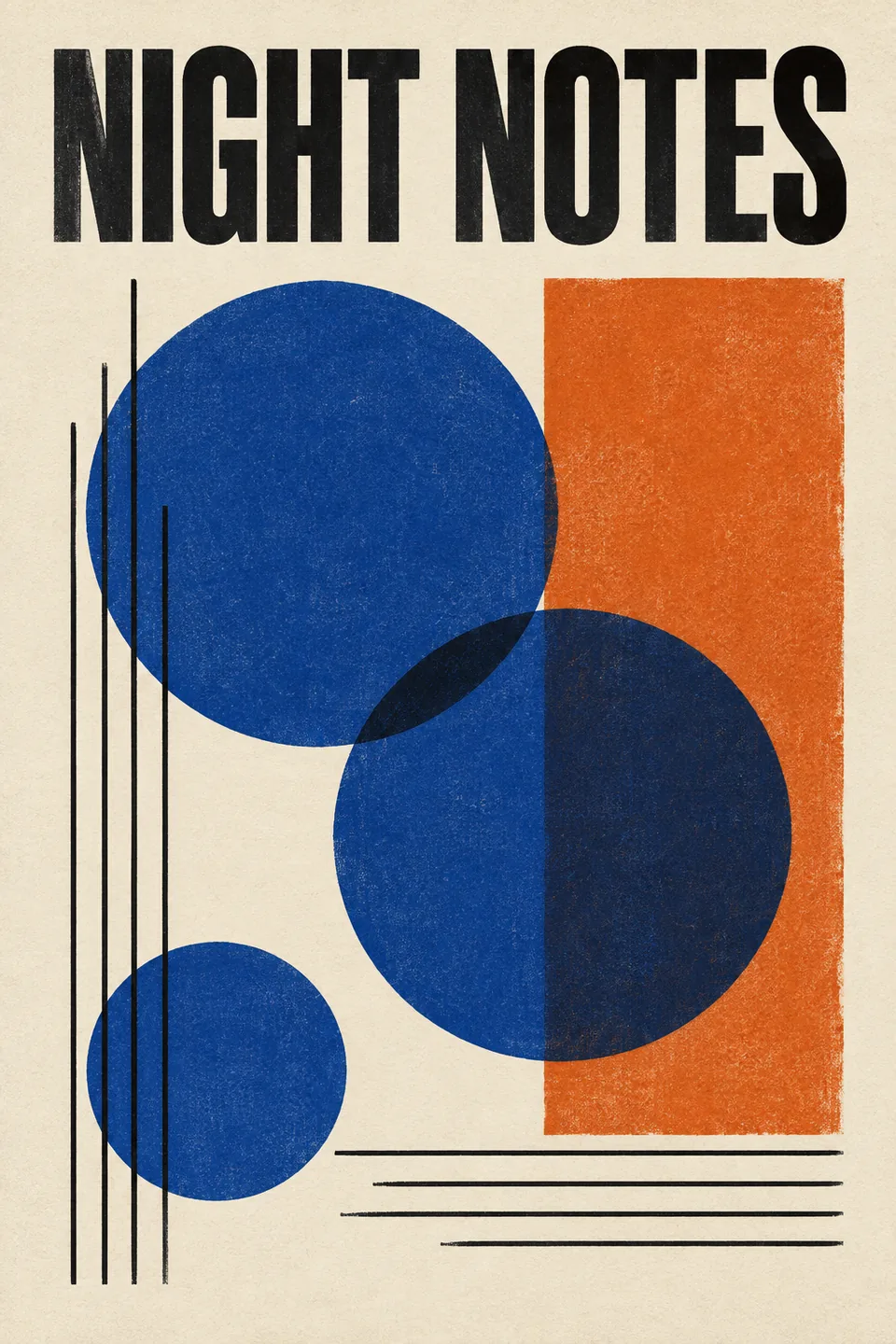
An AI poster starts with a clear message
Design an event or product poster through conversation. Set the message, layout, colours and format, then use complete poster prompts and original examples to get started.
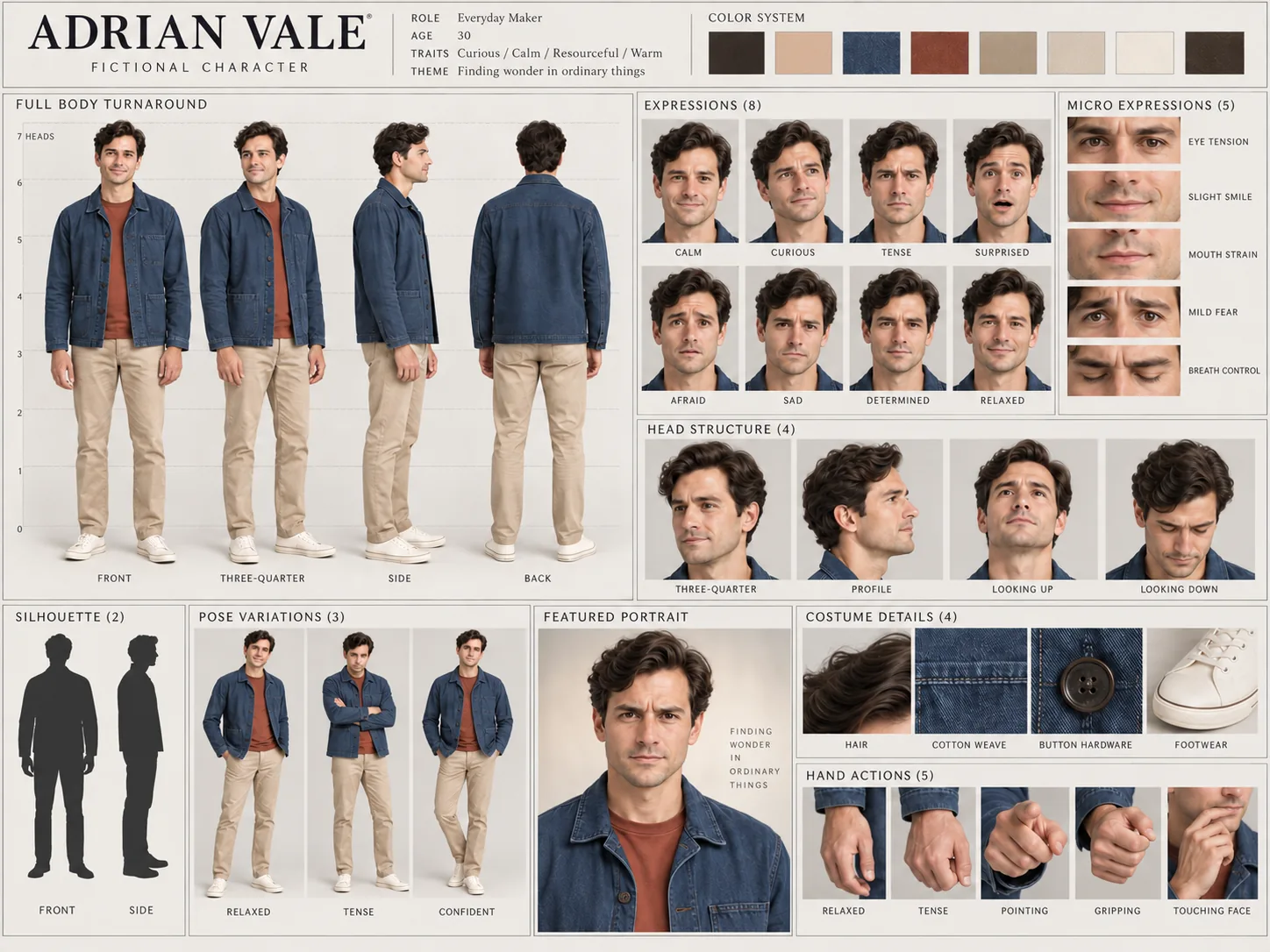
Build a character sheet around one consistent identity
Use a permitted reference photo to plan a detailed character sheet: four views, expressions, head studies, poses, costume details and hand gestures in one complete workflow.
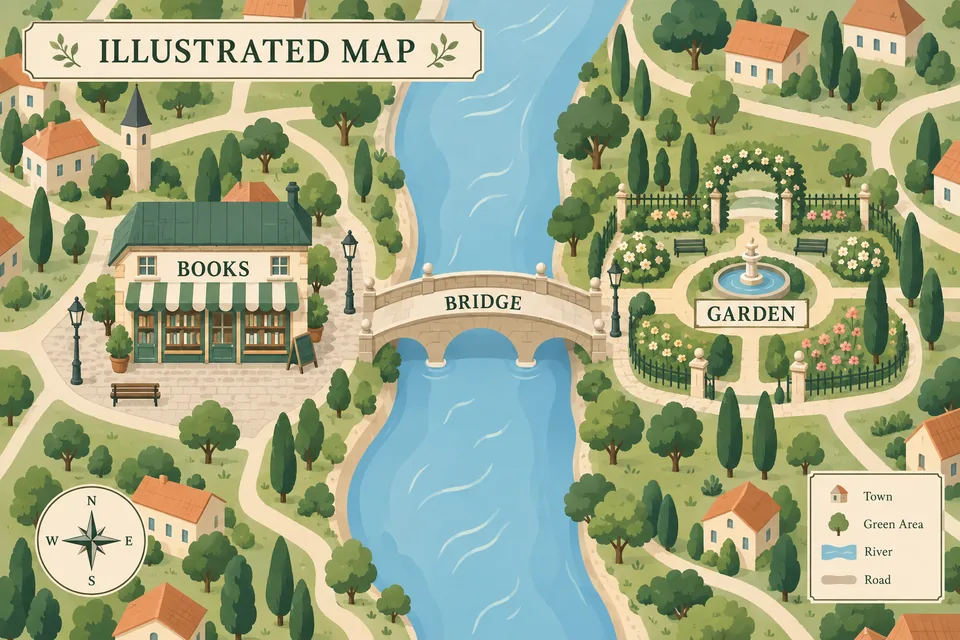
An AI travel planner you can talk things through with
Plan a trip through conversation, check current information with linked sources and shape a day-by-day itinerary. Then turn the agreed plan into a visual travel guide.
AI creation tools: images, voices, canvas, storyboards and documents
All toolsStart with the result you need. Explore what each tool accepts, what it produces and how to use it, then open the workspace.
AI creative assistantAI video understanding and analysisAI image generatorAI image editor and inpaintingOnline AI image editor with layersAI image model comparisonAI video generator from text and imagesAI 360° image view and interactive product rotationAI infinite canvas for reference images and visual workflowsAI moodboard maker for visual ideas and creative directionAI storyboard and short drama plannerAI voice generator and text to speech in English and ChineseAI voice cloning from a 5–30 second recordingAI voice design: describe a voice with textAI outfit breakdown: annotated clothing from a reference photoAI document generatorSprite sheet to GIF converterAI travel planner
Start somewhere
Browse templates Every idea has a way to shine.
AI examples created for Sparkles Editor, with no third-party reference images. They show a creative direction; results vary by prompt and model.
Create, one step at a time
Explore all guides From a first idea to an image that feels right.
Practical walkthroughs to try with your next idea.
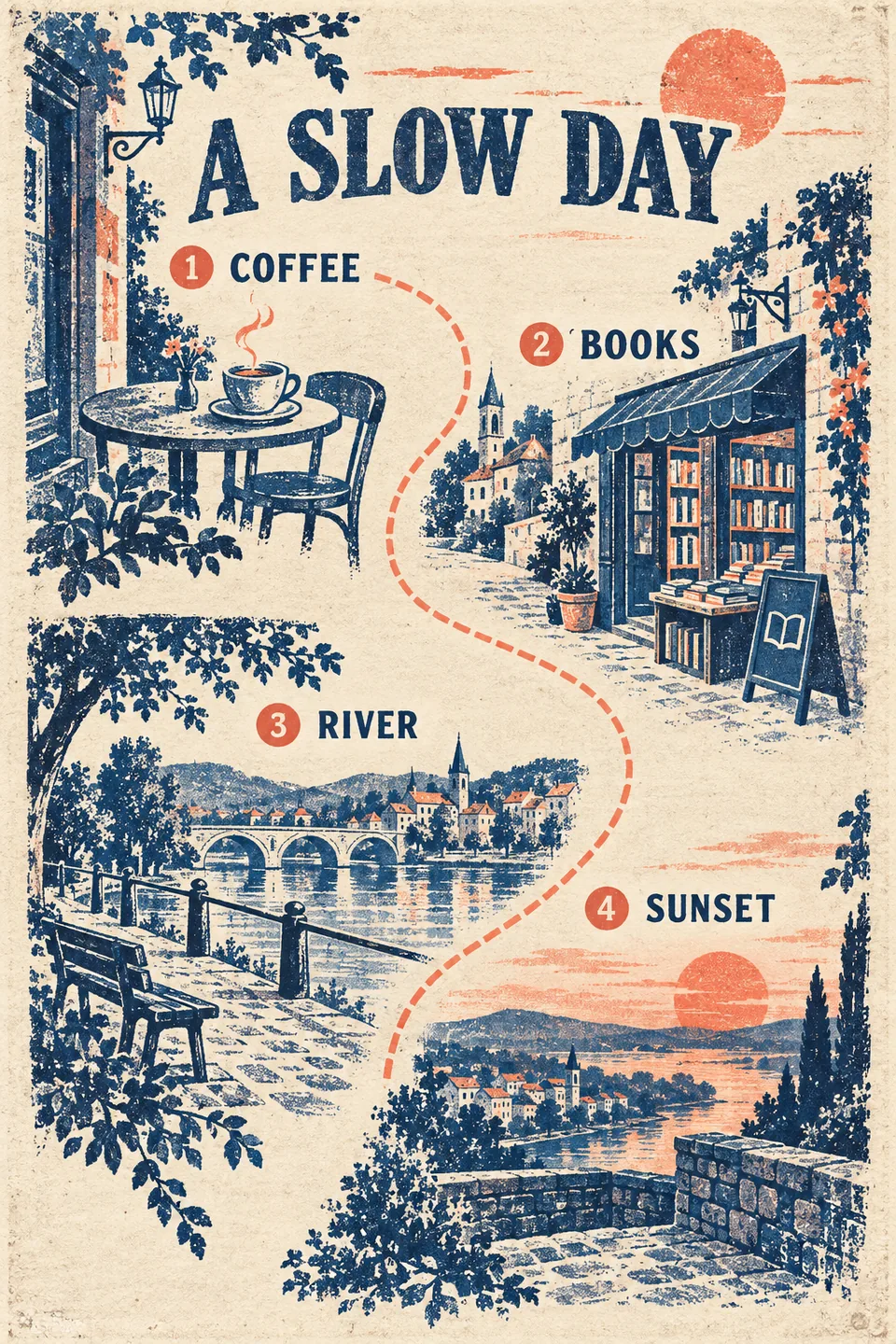
Seasonal travel
Plan an autumn weekend road trip without spending it all in the car
Build a two-day autumn road trip around a driving limit, one overnight base and a rain alternative. Includes a complete AI planning prompt and an illustrated-route checklist.
Product photography
AI product photography prompts: 5 complete starting points
Five complete AI product photography prompts for ceramics, skincare, drinks, coffee and a contact sheet. Learn to adapt each to your product reference.
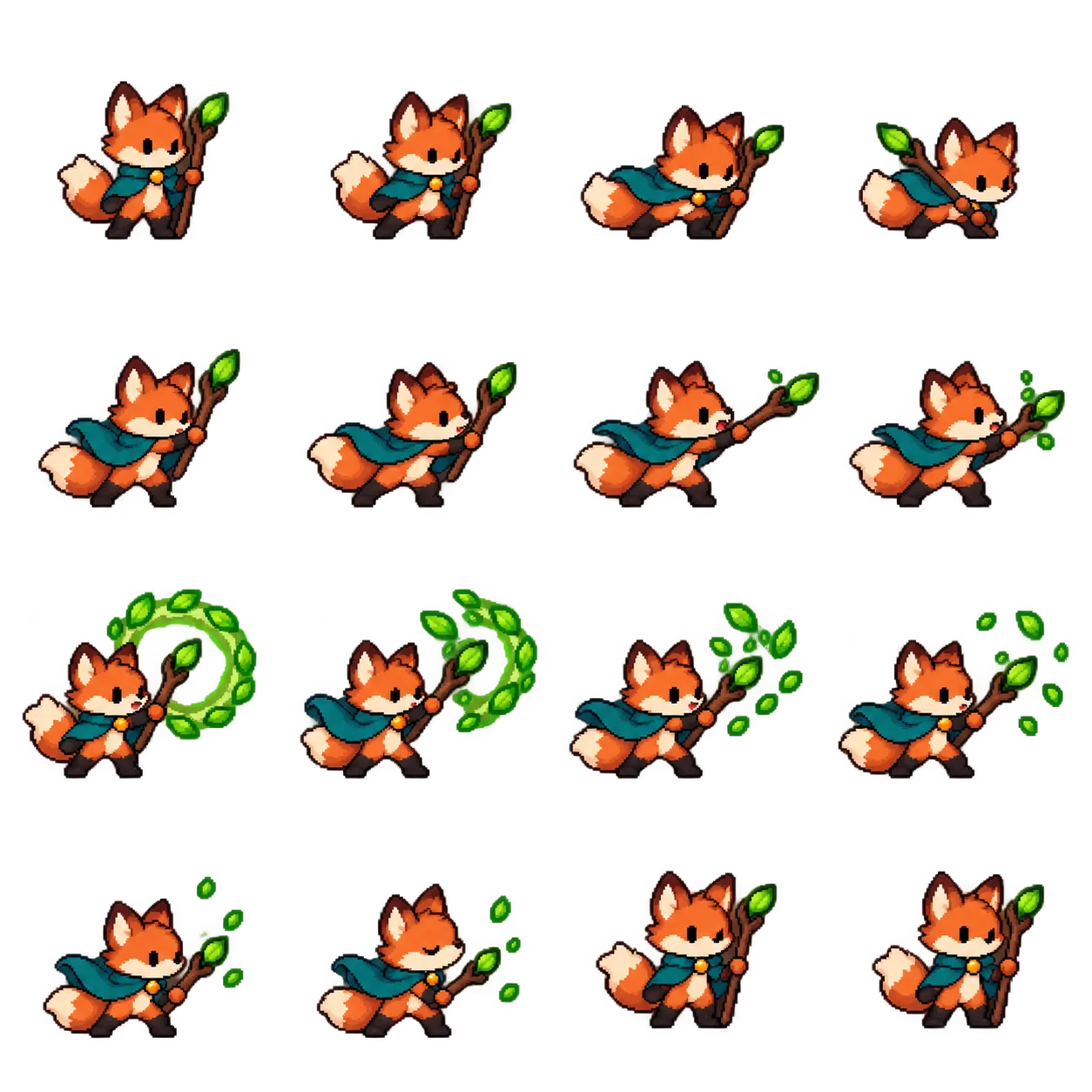
Character animation
Sprite sheet to GIF: make your character move
Turn a static sprite sheet into a GIF in Sparkles Editor. Import your image, align the grid, preview every frame and export for free. See an original 16-frame example and practical fixes.
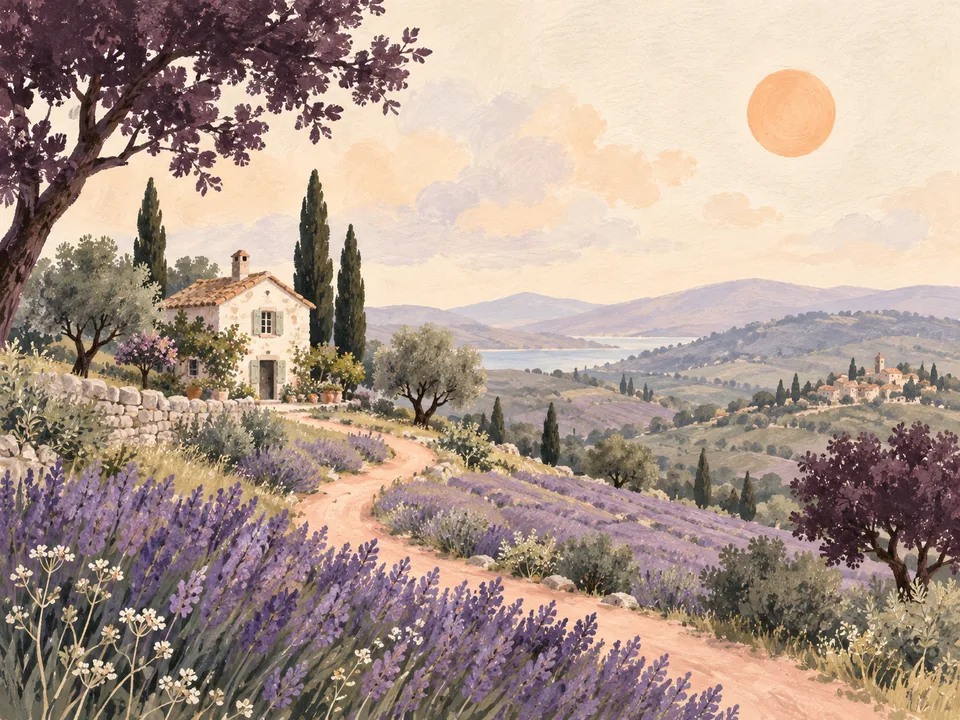
Getting started
From a first idea to your first AI image
Create with Sparkles Editor one decision at a time. Define your goal, explore a visual direction and turn a rough idea into an image without starting with a perfect prompt.
A few words can start something great
Describe your idea, or let the assistant help with the details.
One balance for all your creations
One account for your creations, with usage-based Credits.
Your artwork. Your choice.
Private by default. You control permanent storage and sharing.