1. Give the assistant a driving budget
Airbnb’s August 18, 2026 report highlights autumn weekend and foliage interest in its US research. That is a useful seasonal signal, not a measurement of worldwide searches.
Start with your departure area, actual dates, number of people and drivers, walking tolerance, total budget, maximum daily driving and latest return. Choose one overnight base and one essential experience. Ask for a usable first draft with explicit assumptions; a missing lunch preference need not stop planning. A missing departure city usually does.
2. Count the hours before adding another town
Here is an illustrative time budget, not a map estimate or a live itinerary:
| One day’s allowance | Hours |
|---|---|
| Available time | 9 |
| Driving | −3 |
| Meals | −1.5 |
| Parking and getting ready | −0.5 |
| Contingency | −1 |
| Time left for visits | 3 |
Keep one anchor stop, one optional stop and one nearby rain alternative. The alternative replaces a stop; it is not an extra obligation. If another town consumes the remaining time, drop it or extend the trip. Navigation estimates still need checking for the actual day.
3. Separate seasonal inspiration from current conditions
The National Park Service explains that peak foliage timing varies and busy parking areas need alternatives. Its linked page is background guidance, not a September 2026 conditions bulletin. Ask for dated local park, road and weather information for your visit.
Check the venue’s last entry, parking arrangements, any road closure and the daylight available for the final outdoor stop. Keep an unanswered point marked unverified. An old attractive photograph does not prove that the trees look that way this weekend.
4. Copy a complete planning prompt
Plan a two-day autumn road trip from [start area] on [dates] for [people], with [number] drivers and one overnight base.
Allow at most [hours] driving per day including the return leg, with breaks, and have us home by [time] on day two. Interests: [interests]. Walking limit: [limit]. Total budget and currency: [amount].
Start with a workable draft and state reasonable assumptions. Ask only if a missing detail changes feasibility.
Search for dated official opening, parking and road-closure information. Separate seasonal foliage guidance from current observations; do not promise peak colour. Attach sources to factual claims and mark anything unverified.
For each day show driving, meals, parking, visits and contingency time. Mark one essential stop, one optional stop and a nearby rainy-day replacement. Label journey times as estimates until checked in navigation.
Do not book anything or assume a reservation exists.
5. Change the constraint, then compare the result
Continue in the same chat: “Reduce driving to two hours on day two. Keep our accommodation and return deadline. Remove the lowest-priority stop and show what changed.”
Check that the assistant has actually removed something or shortened a leg. A shorter heading with the same overloaded route is not an improvement. Recheck the revised route in a navigation app. The site’s location links help find places; they do not certify driving duration or road access.
6. Make a route card from the approved plan
Once the stops are settled, use this follow-up:
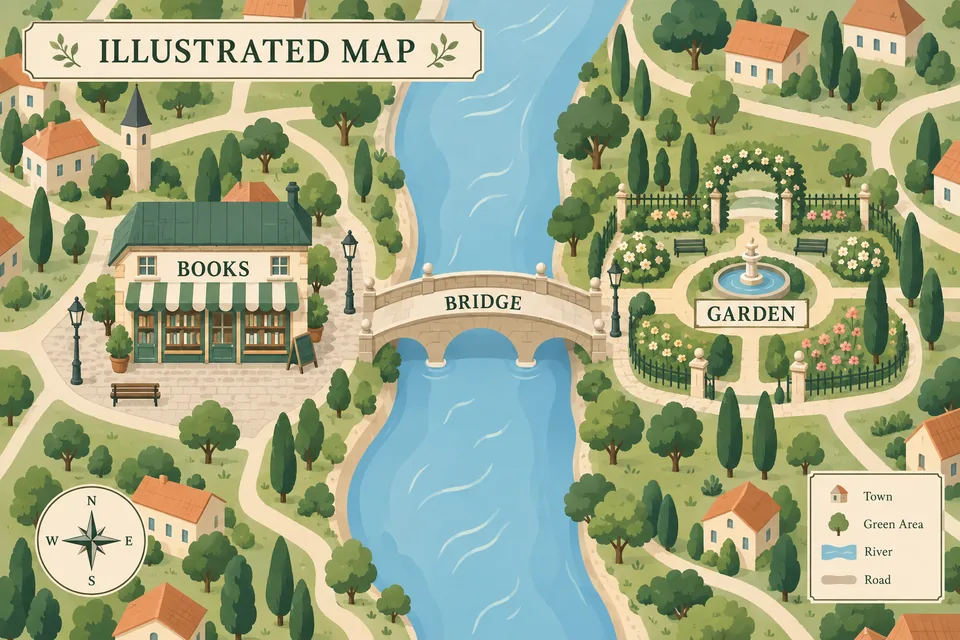
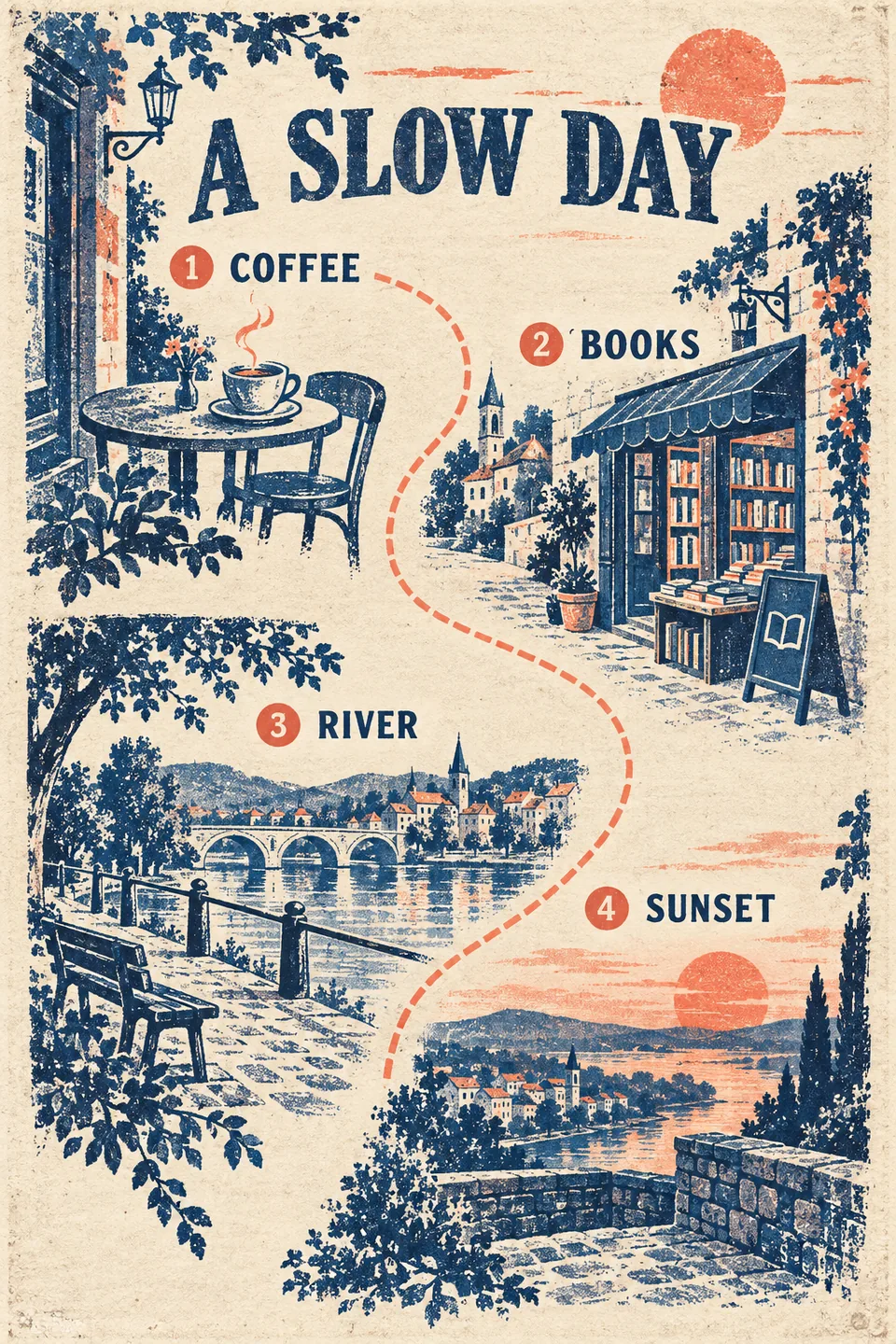
Create one illustrated route card from the confirmed itinerary above. Keep the exact stop names and order. Use short legible labels; omit uncertain times. Label it “Schematic route — not navigation”.
Use an autumn illustration style and identify the scenery as AI illustration, not a recent destination photograph. Do not add new stops to fill the layout.
Compare every label with the written plan. For more space, use one image per day. Keep precise timings and source links in text; the illustrated PDF guide explains where to place each image.
7. Check the trip and the deliverable
- Driving and return fit the actual navigation estimate, with breaks.
- Opening, parking and booking requirements apply to the visit date.
- The rain alternative replaces an outdoor stop.
- Estimated costs are labelled with currency and party size.
- Card labels match the plan; the drawing is not used for navigation.
- Any PDF is downloaded and opened, not merely promised in chat.
Planning, image generation and document work use Credits. Start from the travel guide; keep the original itinerary in the conversation so later changes have a clear reference.
Sources and further reading
Start with your destination and dates, then paste the prompt from this guide. Chat and AI image generation use Credits; see Pricing for current terms.