Ideas into practice
AI product photography, with your product in focus
A phone photo can be enough to start exploring a campaign. Tell the assistant where the picture will appear and what must stay recognizable. Work out the scene together before spending time on variations.
Your starting brief opens as an editable draft. Model requests use Credits; opening a draft does not start a generation. Pricing & Credits
From a first idea to a result
Separate the product from the mood
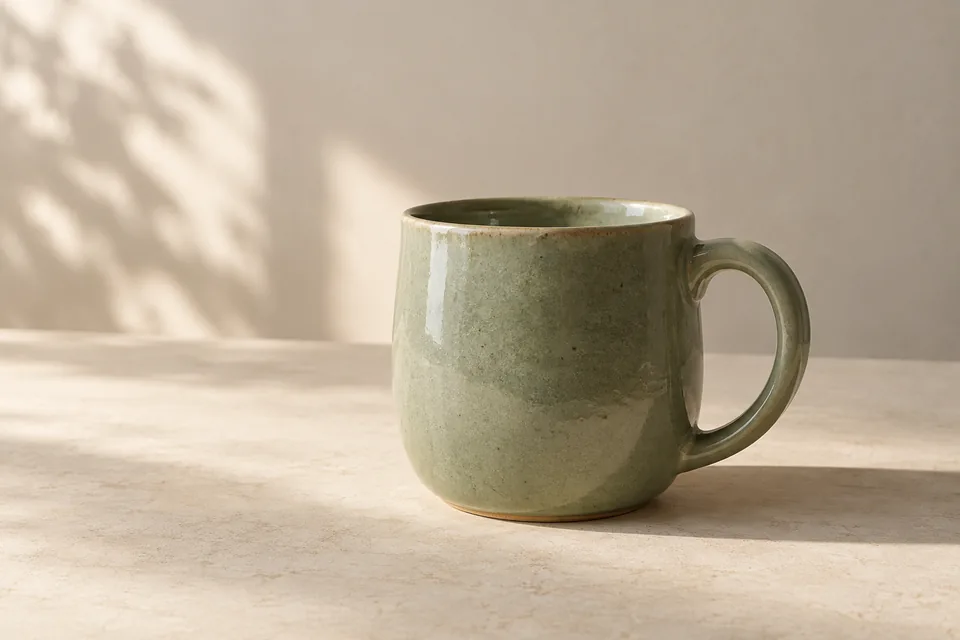
Use the product image as the identity reference. If you add a mood image, say that only its lighting or setting should carry over. For a ceramic mug, describe its silhouette and glaze separately from the table and afternoon light.
Choose one scene first
Ask for a simple shot plan: camera angle, surface, light direction and empty space for copy. Start with one result. Once the product looks right, explore a closer crop or a different background using the same constraints.
Refine a specific detail
Compare the result with the original. A handle or label that has changed needs a focused correction or a separate editing pass. Use a region edit for a local change, then inspect the rest of the image again.
What to check before using it
- Read every label and check the shape, colour and number of parts. Generation can alter product details.
- Keep size, materials and visible features consistent with what you actually sell. Do not add unsupported performance claims.
- For packaging that must be exact, place the original artwork in an editor rather than relying on generated lettering.
Start with a complete template
A quieter kind of product photo
A sage ceramic mug, soft daylight and honest texture.
A drop of green
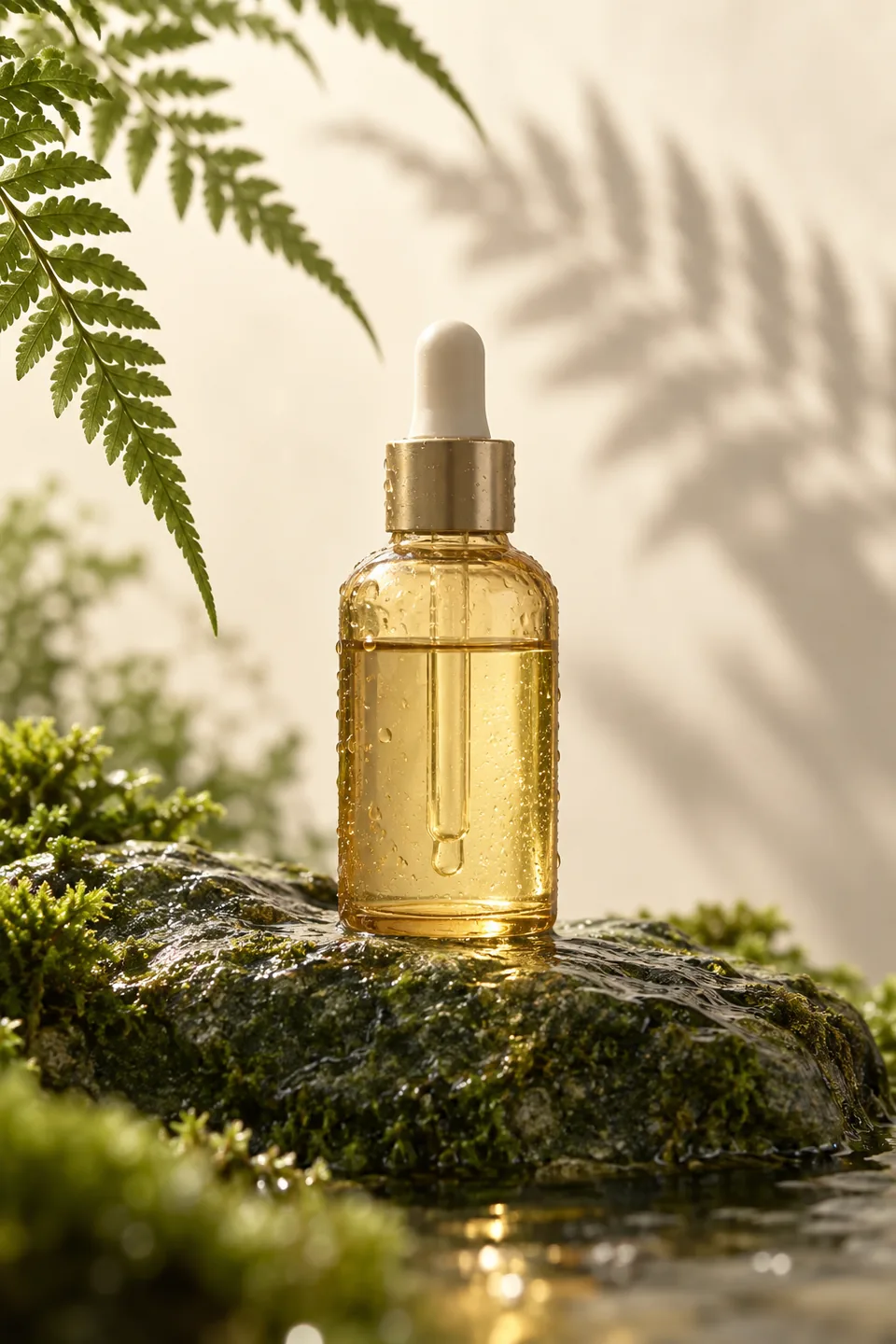
Use stone, glass and a single fern shadow for a quiet product shot.
One product, thirty-six art directions
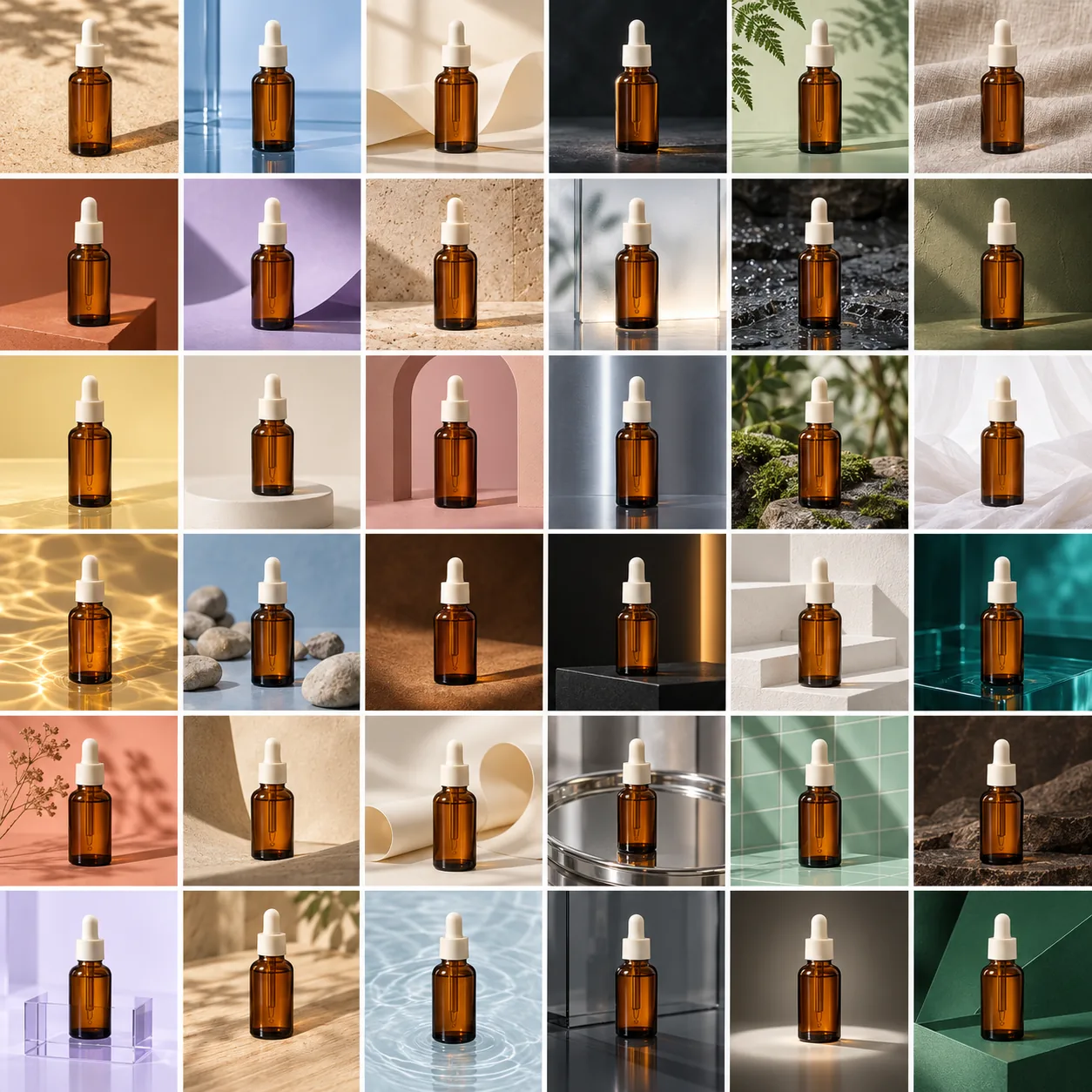
A complete six-row, six-column photography board. Compare balanced variations, bolder changes or a mix of products.
Good to know
Can I start with a phone photo?
Yes. A sharp, evenly lit photo with an unobstructed outline is a useful starting point. Reflections, blur and missing details make preservation harder.
Will the product stay exactly the same?
Reference images guide the result but do not guarantee identical geometry or lettering. Compare each output with your source; use conventional compositing when exact reproduction is required.
Where can I find a prompt to adapt?
The templates below include complete prompts and original AI examples. Open one, keep its full structure and replace the subject, scene and constraints for your product.