Ideas into practice
An AI poster starts with a clear message
You do not need a polished prompt to begin. Bring an event, a product or a line of copy. The assistant helps you decide what people should notice first, then turns that direction into an image plan.
Your starting brief opens as an editable draft. Model requests use Credits; opening a draft does not start a generation. Pricing & Credits
From a first idea to a result
Make one thing the headline
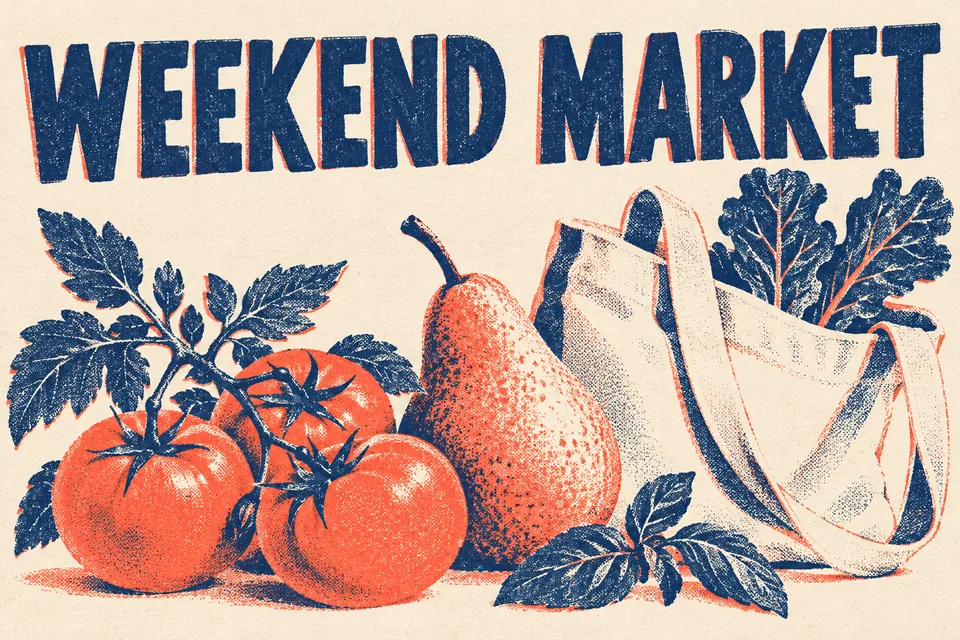
For a weekend market, lead with the event name and date. Put the location and call to action second. Ask the assistant to shorten competing messages before choosing a visual style.
Arrange the picture around the message
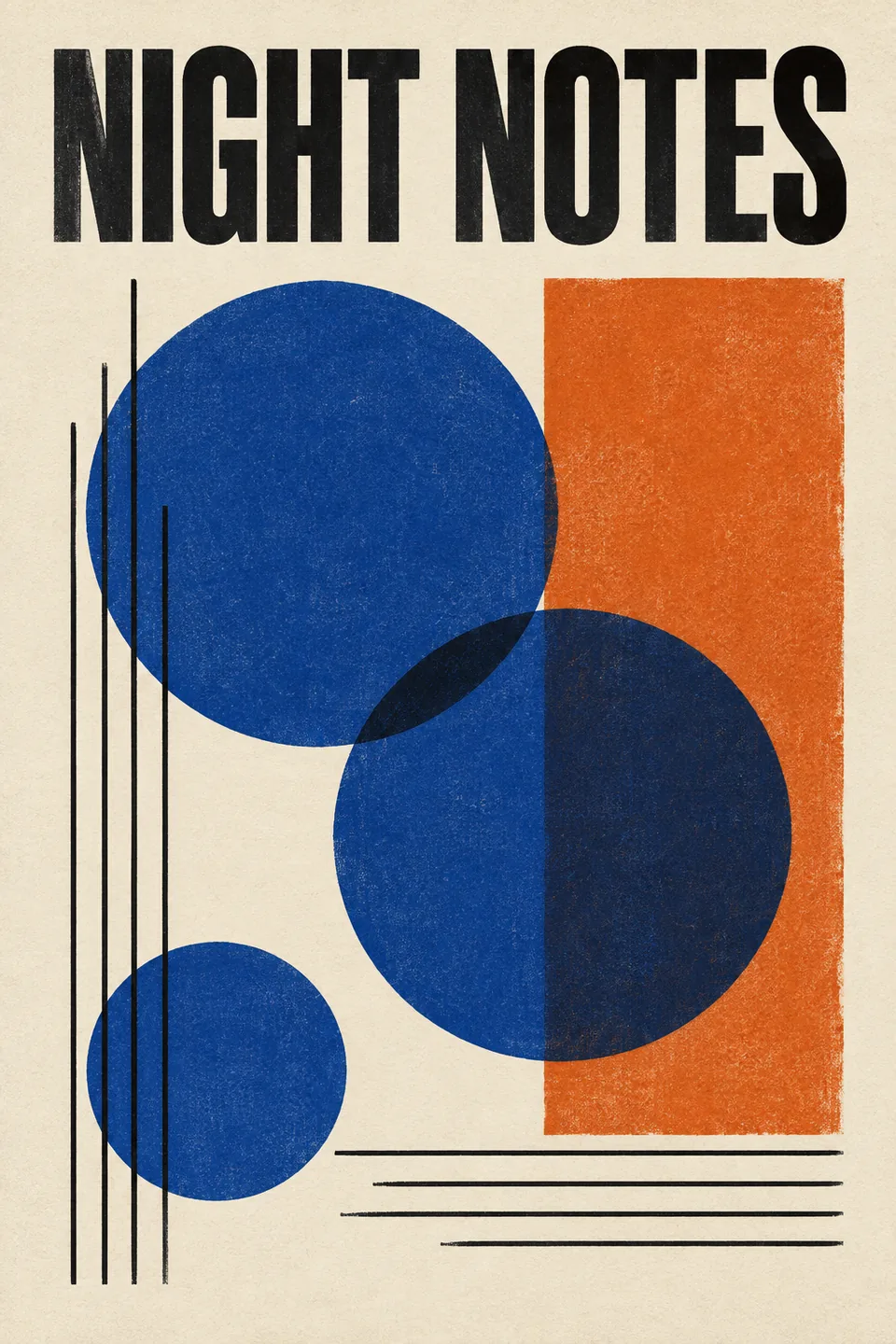
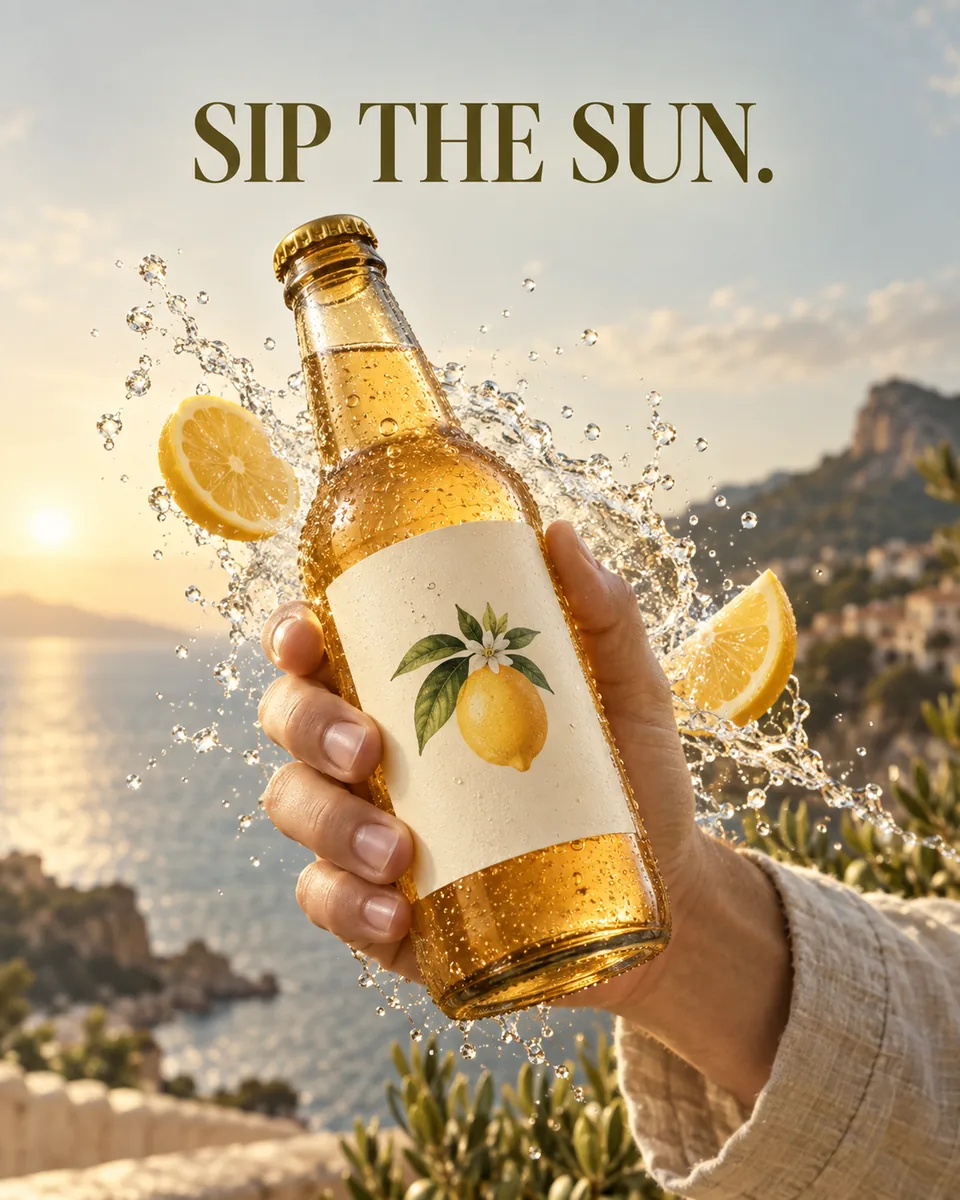
Choose a dominant subject, a restrained palette and clear space for text. A geometric music poster needs different spacing from a drink campaign. The templates below show both approaches and keep their full prompts available.
Check it at its real viewing size
Generate a first option, then view it at phone size or at the intended print dimensions. Change one issue at a time: title size, contrast, crop or background. Add exact final text in a layout editor if needed.
What to check before using it
- Proofread dates, prices, addresses and every letter. Generated text can be wrong even when it looks convincing.
- Keep enough contrast and clear space around the headline; check that a platform crop does not remove essential information.
- Print work needs a separate resolution, bleed and colour check. A generated image is not automatically a press-ready file.
Start with a complete template
Good to know
Can I make a poster without writing a long prompt?
Yes. Start with the audience, message and destination. The assistant can ask follow-up questions and propose a visual direction before generation.
Can the model put text in the image?
You can specify exact words, but lettering and layout still need review. For long copy, small print or text that must be exact, generate the visual with clear space and add typography in an editor.
Can I try different styles?
Yes. Choose a complete poster template or describe a new direction. Keep the message fixed while comparing styles, so it is easier to judge which version communicates best.