Ideas into practice
An AI travel planner you can talk things through with
Start with a destination, a rough idea or the way you like to travel. The travel starting template guides the conversation, while the same assistant can research, create images and help prepare a document in that conversation.
Your starting brief opens as an editable draft. Model requests use Credits; opening a draft does not start a generation. Pricing & Credits
From a first idea to a result
Build a brief through conversation
Say something like: three days, no car, two adults, and time for cafés. The assistant can clarify what is missing. If you prefer a form, the trip form remains available; both routes feed the same conversation.
Check facts before arranging the days
Ask for current opening information, transport options and booking requirements with sources. Distinguish confirmed pages from search summaries or estimates. Arrange nearby stops together and leave realistic time for meals, queues and transfers.
Make the agreed plan easy to carry
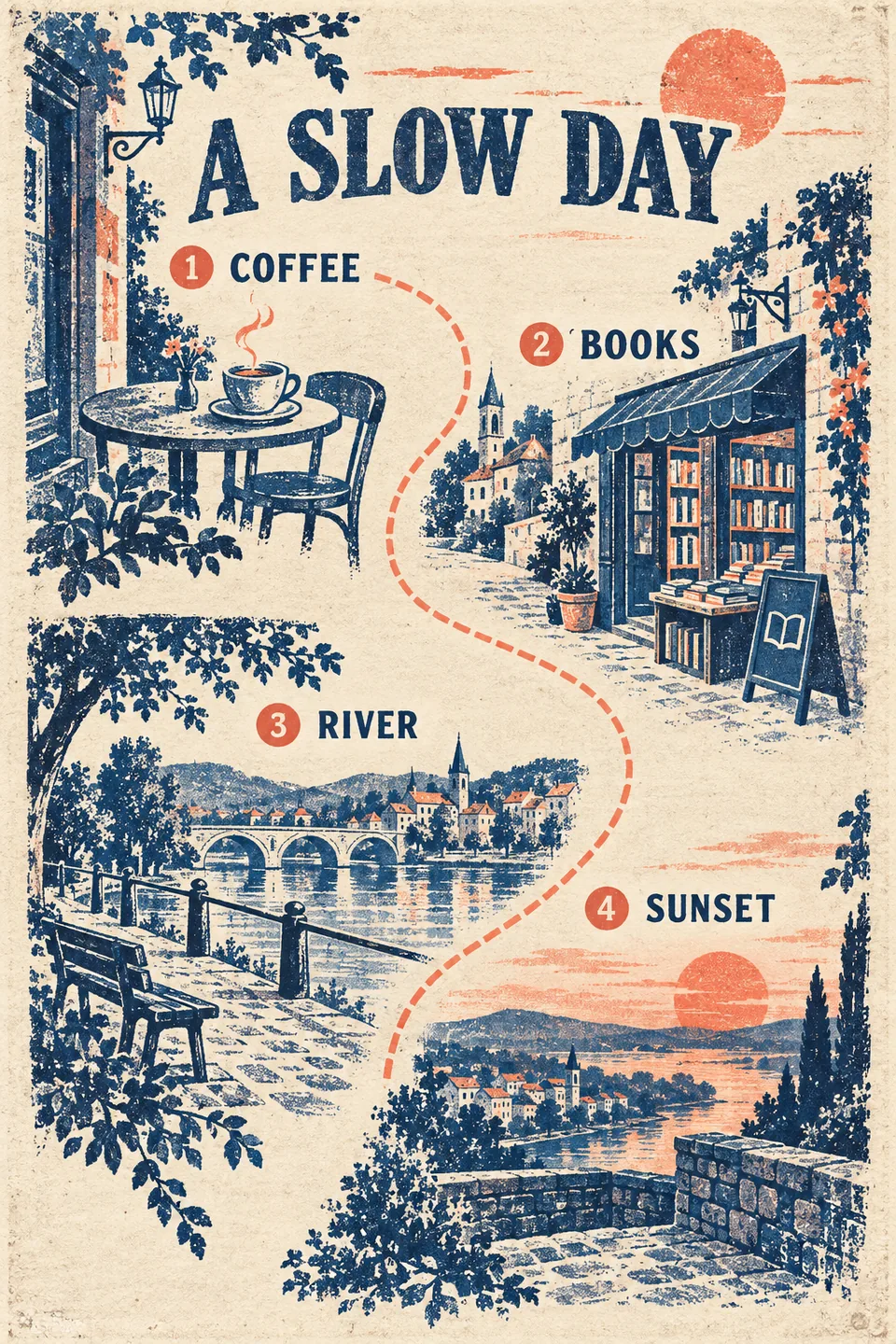
Review each day's route, then ask for a visual itinerary or a downloadable document. A hand-drawn travel template can help communicate the plan. Keep source links and practical details in the text so that an illustration does not become the only record.
What to check before using it
- Recheck official opening hours, reservations, fares and service changes before departure. Search results can be incomplete or outdated.
- Treat travel time and spending estimates as planning assumptions, not live bookings or guaranteed prices.
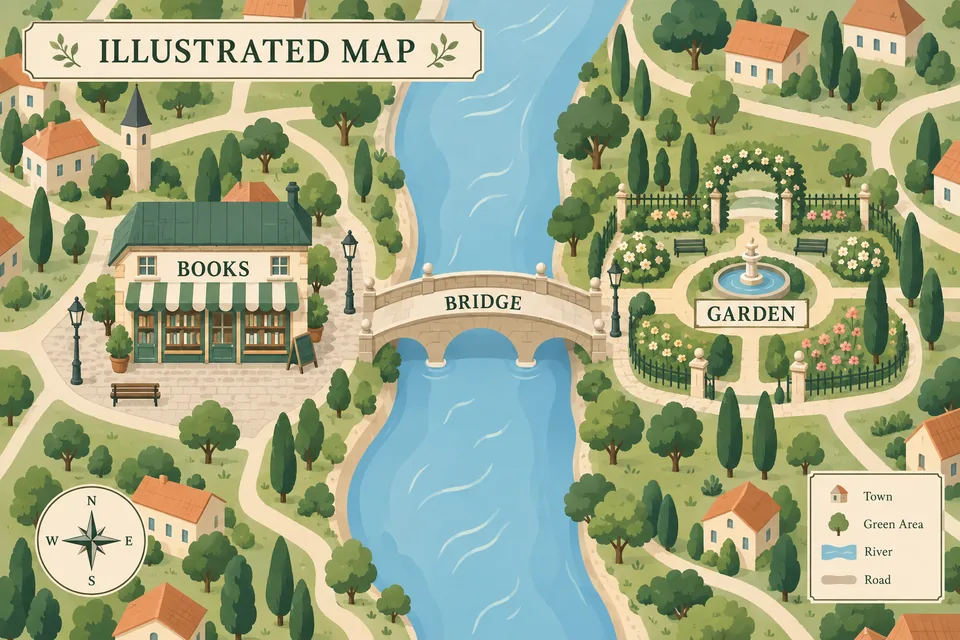
- Generated maps are illustrations, not navigation maps. Use a mapping service for actual directions.
Start with a complete template
Good to know
Do I have to fill in a form?
No. You can explain the trip in ordinary conversation. The optional form is there if you prefer to collect the basics in one place.
Can the assistant check information online?
It can search and read accessible public webpages, then include sources. It cannot guarantee that every source is current or complete; ask it to mark uncertain details and verify important arrangements with the provider.
Can I make a travel poster in the same chat?
Yes. Travel is a starting template, not a separate set of tools. After you approve the itinerary, ask for an image or document. Image requests use Credits and the generated visual still needs review.