
Ideas into practice
Turn an AI sprite sheet into a clean animated GIF
Generating a sprite sheet is only half the workflow; uneven margins or drifting character heights quickly break a loop. Plan the grid size, background contrast and pose cycle first, then calibrate rows, columns and frame rate in the browser-based GIF converter.
Your starting brief opens as an editable draft. Model requests use Credits; opening a draft does not start a generation. Pricing & Credits
From a first idea to a result
Lock the grid layout and character anchor
Specify the exact number of rows and columns, keep every cell equal in size, and state that the character feet stay on one baseline without cropping heads, tails or weapons at cell edges.
Generate and inspect the sheet before slicing
Review every cell at full resolution for swapped colors, extra limbs or broken pose order. Fix major continuity errors in the image or regenerate the sheet before spending time tuning frame offsets.
Slice, calibrate and export in the browser converter
Open the Sprite Sheet to GIF tool, set row and column counts, adjust trim offsets and FPS while watching the live loop preview, and export the GIF locally without uploading the file to an external converter.
What to check before using it
- Play the loop at its intended FPS and watch the foot baseline for vertical jitter or abrupt jumps between the last and first frame.
- Verify that row and column boundaries do not clip outlines, particles or overlapping motion trails from neighboring cells.
- Sprite-sheet generation uses Credits, while browser GIF conversion on /animate runs locally at no Credits cost; the workflow exports GIF frames rather than a rigged game skeleton.
Start with a complete template
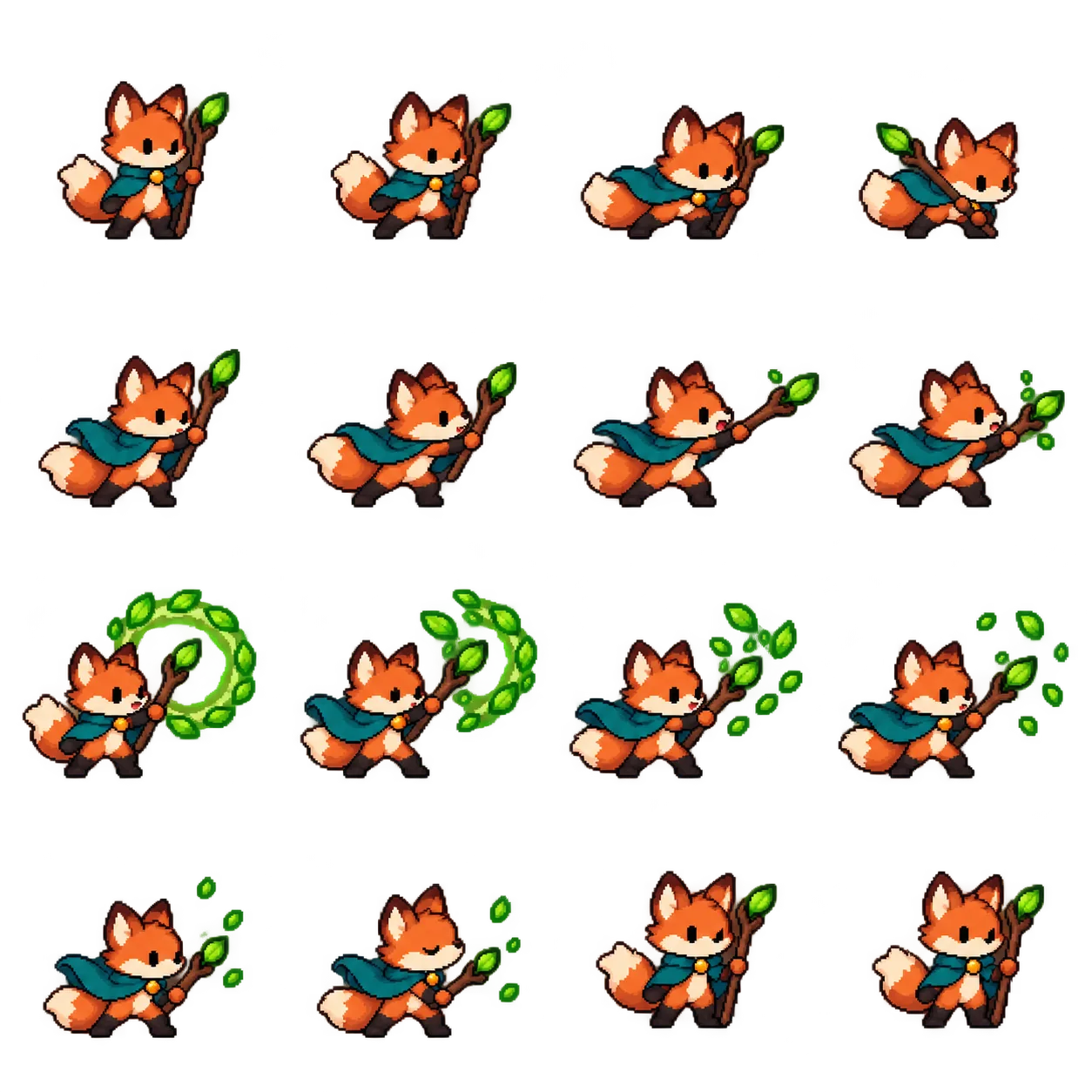
Sixteen frames of a forest spell
An original fox courier performs a complete action across a registered 4 × 4 pixel-art sheet, ready for frame-by-frame review.
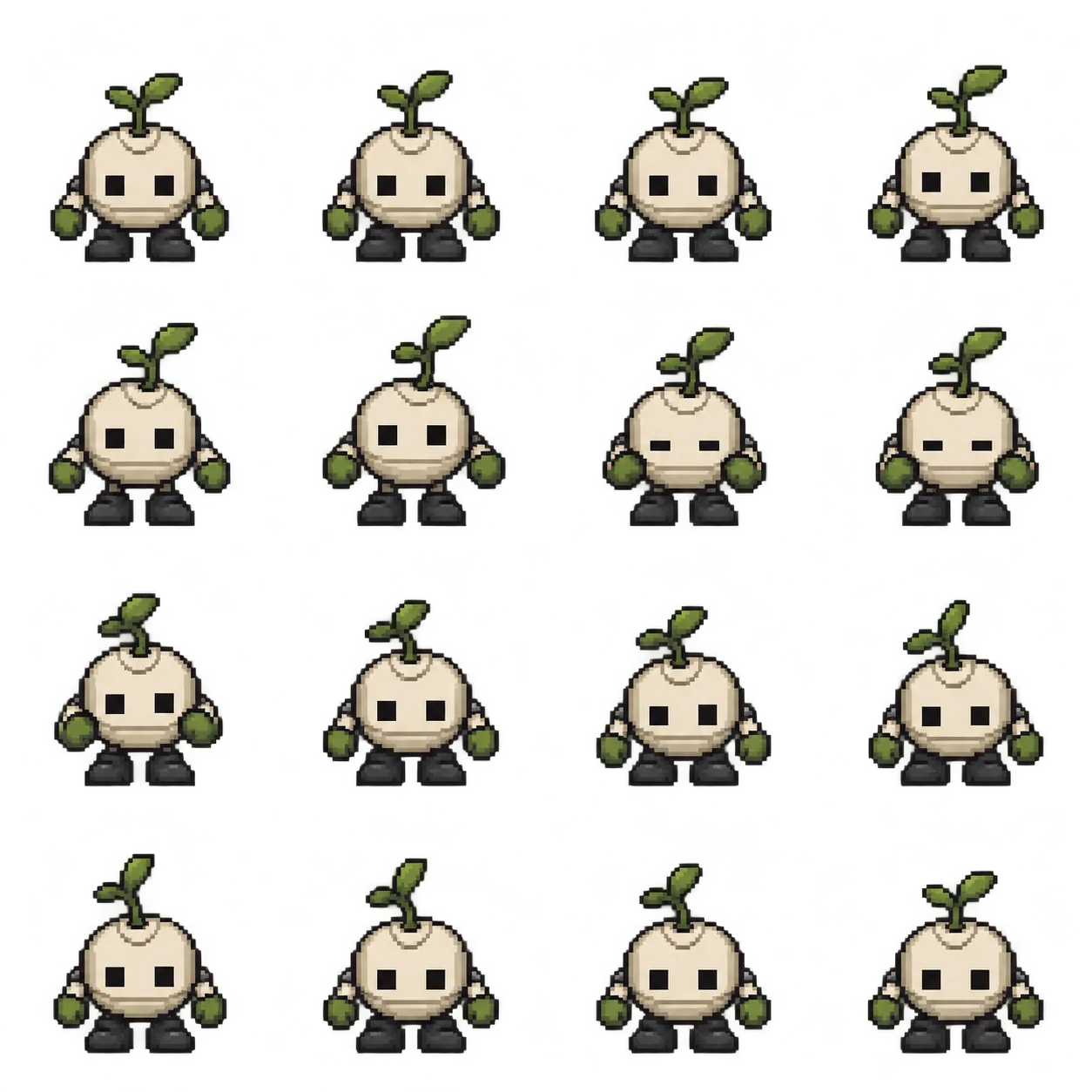
A tiny robot takes a breath
A gentle idle-loop study: 16 distinct pixel poses with a stable baseline, controlled timing and one consistent original character.
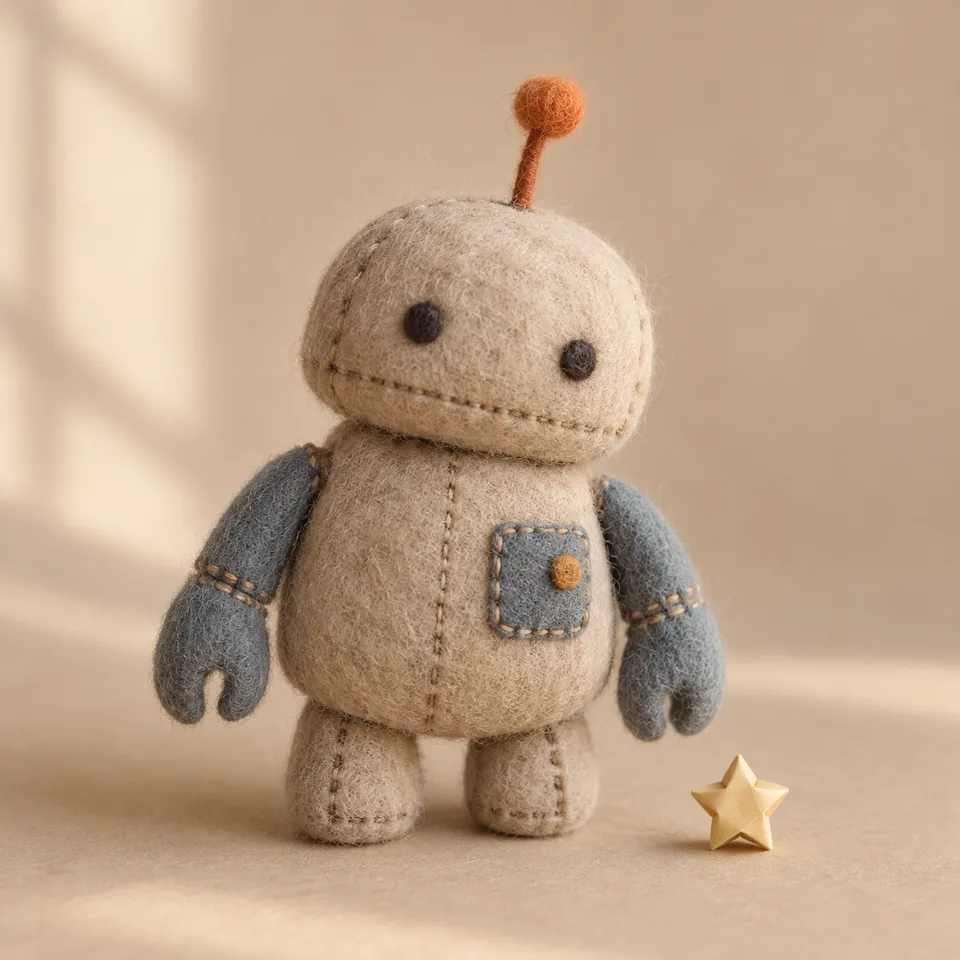
A little felt companion
Design a friendly original character with visible stitches and soft fibers.
Good to know
Does converting a sprite sheet to GIF use Credits?
No. The browser converter at /animate slices images and exports animated GIFs locally on your device without spending Credits. Only AI image generation or chat edits consume Credits.
What if the generated grid has uneven margins?
Use the manual row, column, padding and offset calibration controls in the converter to align cells, or regenerate with explicit equal-cell grid framing if poses overlap across cells.
Can this workflow export PNG atlases, JSON metadata or Spine rigs?
Locally at /animate you can export transparent animated GIFs, aligned PNG atlases and JSON frame metadata. It does not export Spine or bone-rigged skeletons; create rigs inside your game engine or skeletal tool.