
Ideas into practice
Plan a short drama storyboard from script to visual shots
Jumping straight into video generation often causes faces, costumes and room lighting to drift from shot to shot. Break the story into characters, locations and a clear shot list first so every frame and optional clip starts from the same visual anchor.
Your starting brief opens as an editable draft. Model requests use Credits; opening a draft does not start a generation. Pricing & Credits

From a first idea to a result
Extract characters, scenes and story beats first
List every recurring character, outfit and location before drawing shots. Agree on the visual style, lens language and lighting tone so later storyboard frames share one look instead of starting from scratch.
Draft key storyboard frames with camera notes
Break each beat into wide establishing, medium interaction and close-up reaction shots with clear framing, camera movement and dialogue cues. Generate still frames first because reviewing stills is faster and lower cost than regenerating full clips.
Expand approved shots into motion and voice assets
Once the shot order and character references hold together, generate short AI video clips from approved frames or prepare speech tracks separately, then assemble the final cut in your video editor.
What to check before using it
- Compare character faces, hairstyles, outfits, left-to-right screen direction and background props across adjacent shots before moving to video generation.
- Review any visible text, signs or subtitles in generated stills; AI frames can misspell words even when the composition works.
- The storyboard workspace helps plan scripts, frames and short clips, but it does not export a timeline-edited, audio-mixed final MP4 movie automatically.
Start with a complete template
One moment, two ways to remember
A photograph above, a tiny painted memory below. A quiet 3:4 composition that keeps the same people, objects and gesture.
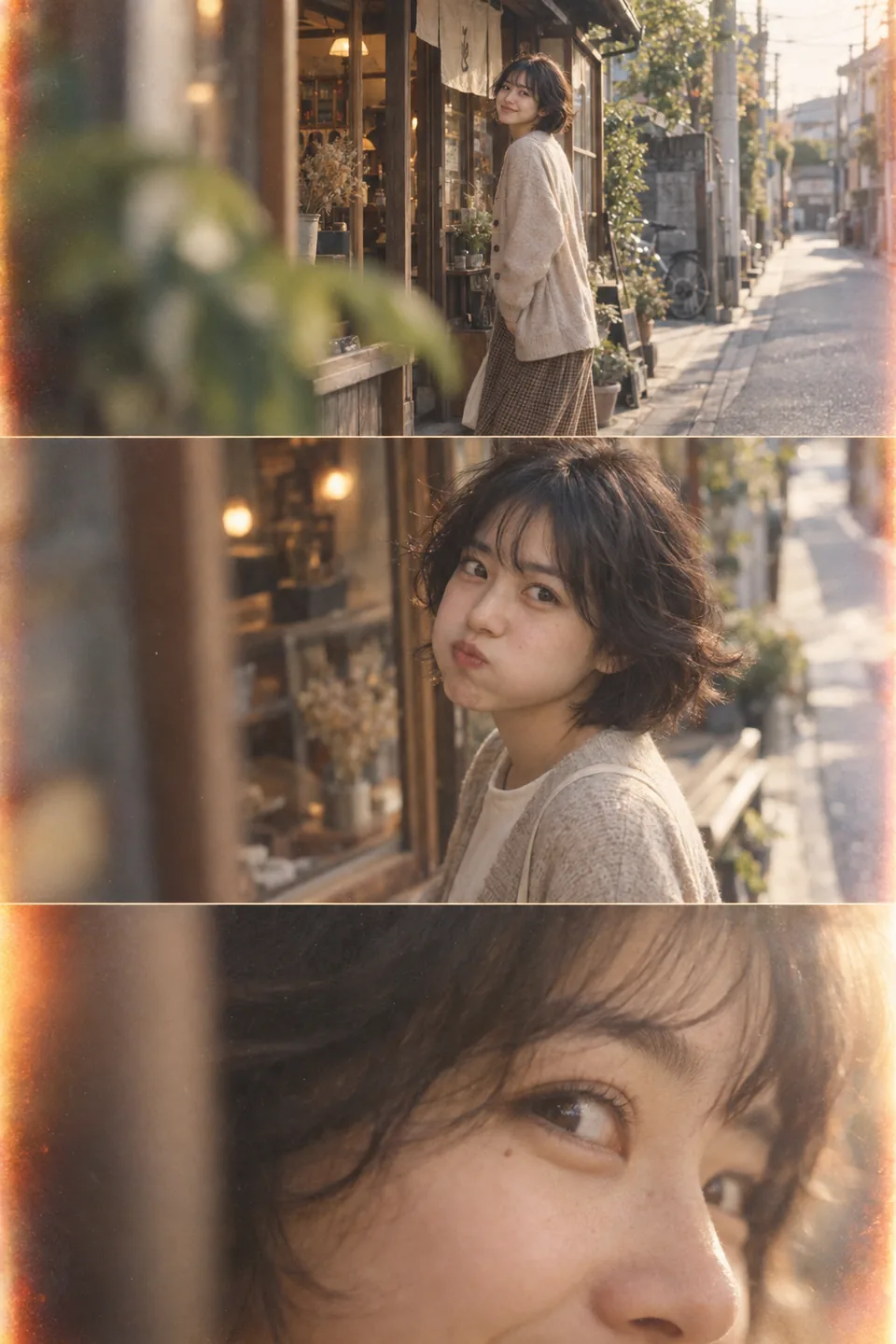
Japanese film triptych
A smile, a playful pout, a fleeting glance. Three connected moments in warm, grainy film.
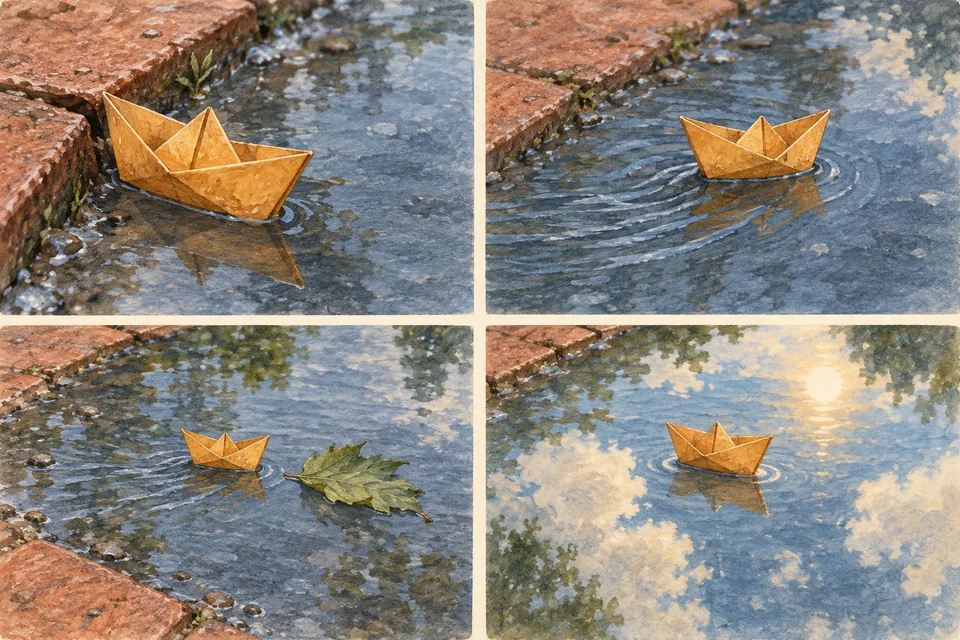
One little boat, four moments
A watercolor story with a consistent subject in every panel.
Good to know
Should I generate video clips immediately or start with still frames?
Start with still storyboard frames. Locking composition, wardrobe and lighting in stills lets you fix continuity errors quickly before spending Credits on video clip generation.
Will every storyboard shot keep the exact same character face?
Reference images improve continuity, but AI models cannot guarantee identical geometry across every angle. Keep approved character anchors and regenerate individual drifting shots when needed.
Does Sparkles Editor export a finished edited MP4 with synced audio?
No. Sparkles generates storyboard stills, individual short video clips and voice assets. Use a dedicated nonlinear video editor to trim timing, mix sound and render the final master MP4.