
Ideas into practice
Turn verified notes into an AI infographic or social carousel
Dense text posts rarely scan well on mobile feeds, yet handing an unverified article directly to an image model invites garbled numbers and invented statistics. Lock the verified claims and slide outline first, then build consistent visuals around clean reading space.
Your starting brief opens as an editable draft. Model requests use Credits; opening a draft does not start a generation. Pricing & Credits

From a first idea to a result
Distill verified facts into a strict outline
Ask the assistant to turn your notes into one core takeaway per slide or infographic section, keeping short headlines and concrete data points while flagging any missing source instead of guessing numbers.
Set one visual system before generating slides
Define the background tone, grid margin, illustration style and reserved typography zones once. Generate the cover and one interior slide first to confirm readability before producing the rest of the deck.
Finish exact typography and data labels cleanly
Inspect every generated label, percentage and unit against your source notes. When exact small print, tables or brand fonts matter, place the generated artwork underneath editable text layers in the online image editor.
What to check before using it
- Cross-check every number, unit, chart proportion, spelling and attribution against your original verified notes; never publish unchecked AI-rendered statistics.
- Preview the infographic or carousel at phone width to verify text contrast, margins and safe areas so platform UI overlays do not cover key lines.
- For multi-slide carousels, compare slides side by side to ensure consistent palette, icon weight and layout rhythm from cover to final slide.
Start with a complete template
Geometric field guide
Upload a photo to create a vertical observation card: 45% photography above, 55% geometric illustration and feature callouts below.

The slow cup identity
Keep colors, materials and a simple mark consistent across a brand.
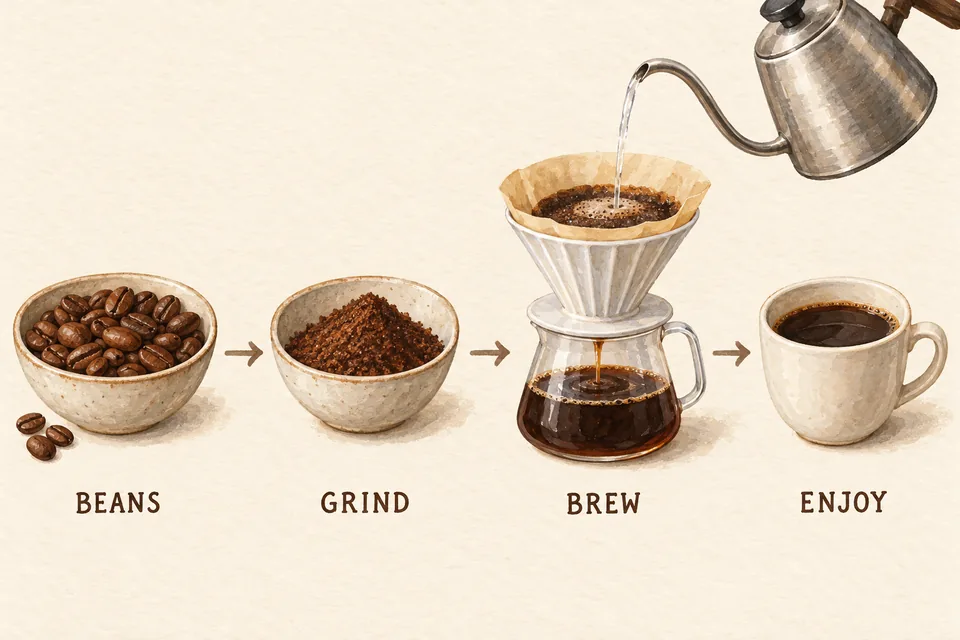
Coffee, one step at a time
Turn a familiar process into a simple four-part visual guide.
Good to know
Can the assistant invent data if my notes are incomplete?
Ask it not to guess. Instruct the assistant to use only your provided figures or cite accessible public sources with links, and mark any gap for you to fill in before designing.
How do I keep text crisp across a 6-slide carousel?
Keep copy per slide short and generate clean layout zones first, then add or correct exact headlines, captions and footnotes using editable text layers in the image editor.
Can I export a structured document alongside the visuals?
Yes. In the same chat session you can generate companion outlines or downloadable PDF, DOCX, PPTX or Markdown summaries while building visual assets, with Credits billed per model call.