
Ideas into practice
Combine AI visuals with editable poster layers for exact typography
AI image models excel at lighting, texture and mood, but campaign posters live or die on exact dates, URLs, prices and clean logos. Separating the generated visual base from editable text and graphic layers lets you revise copy in seconds without regenerating the whole scene.
Your starting brief opens as an editable draft. Model requests use Credits; opening a draft does not start a generation. Pricing & Credits

From a first idea to a result
Generate a clean visual base with deliberate negative space
Describe the hero subject, lighting and surface while explicitly reserving uncluttered negative space at the top, bottom or side for typography. Ask the image model to leave out fine print and legal footnotes.
Move the approved base into the online layer editor
Open the chosen background in the online image editor and place headlines, dates, badges and approved logos on separate editable layers so alignment, color and spacing can be adjusted independently.
Adapt copy and aspect ratios without breaking the artwork
Duplicate the layered layout when translating languages, updating event times or testing alternate offers. Export clean raster assets once every date, price and contrast ratio passes review.
What to check before using it
- Proofread every date, day of the week, price, QR code or address on the final layered export; last-minute edits can easily break alignment.
- Check foreground-to-background contrast behind every text block at mobile thumbnail size and adjust overlays or scrims where the background is busy.
- Remember that web RGB exports are not automatically CMYK press-ready files; verify resolution, bleed and color profile before sending any poster to commercial print.
Start with a complete template
A splash with a point of view
A crisp citrus drink, one natural hand gesture and an exactly three-word headline, composed as a 4:5 campaign poster.

Slow mornings, caught mid-pour
A tactile ceramic cup and a single suspended stream of coffee, with warm editorial light and space for a short message.
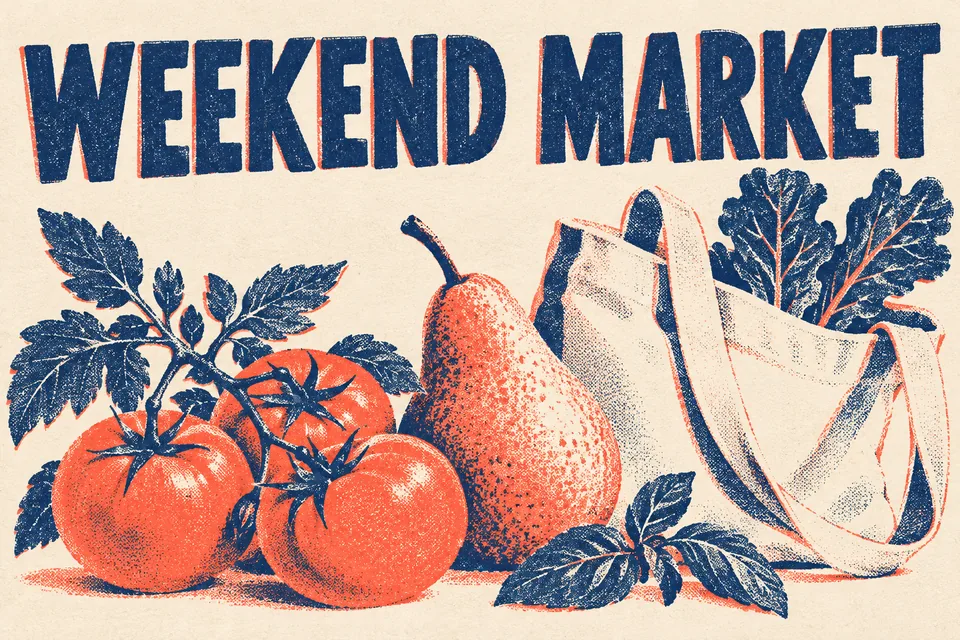
Weekend market
Two-ink print textures for a friendly neighborhood poster.
Good to know
Why not let the AI model render all poster text directly?
AI lettering works well for short stylized titles, but dates, addresses, pricing and multi-language updates are faster and far more reliable when kept on editable layers in the image editor.
Can I edit both AI-generated images and my own uploaded assets together?
Yes. You can place generated backgrounds alongside permitted product cutouts, vector shapes, brand logos and crisp text layers inside the same online image editor workspace.
Does tweaking text layers in the image editor spend extra Credits?
No. Moving, editing typography, adjusting shapes and exporting layers in the browser editor do not spend Credits; only AI generation or AI-assisted edit requests consume Credits.