
SPARKLES / All tools
Image to Prompt: Describe a Reference for AI Generation
Upload a reference and ask the Agent to turn what it can see into a complete image prompt. Separate the subject, composition, light and visual treatment so you can reuse the parts that matter. This is a new description of the image, not recovery of its original prompt or seed.
Updated
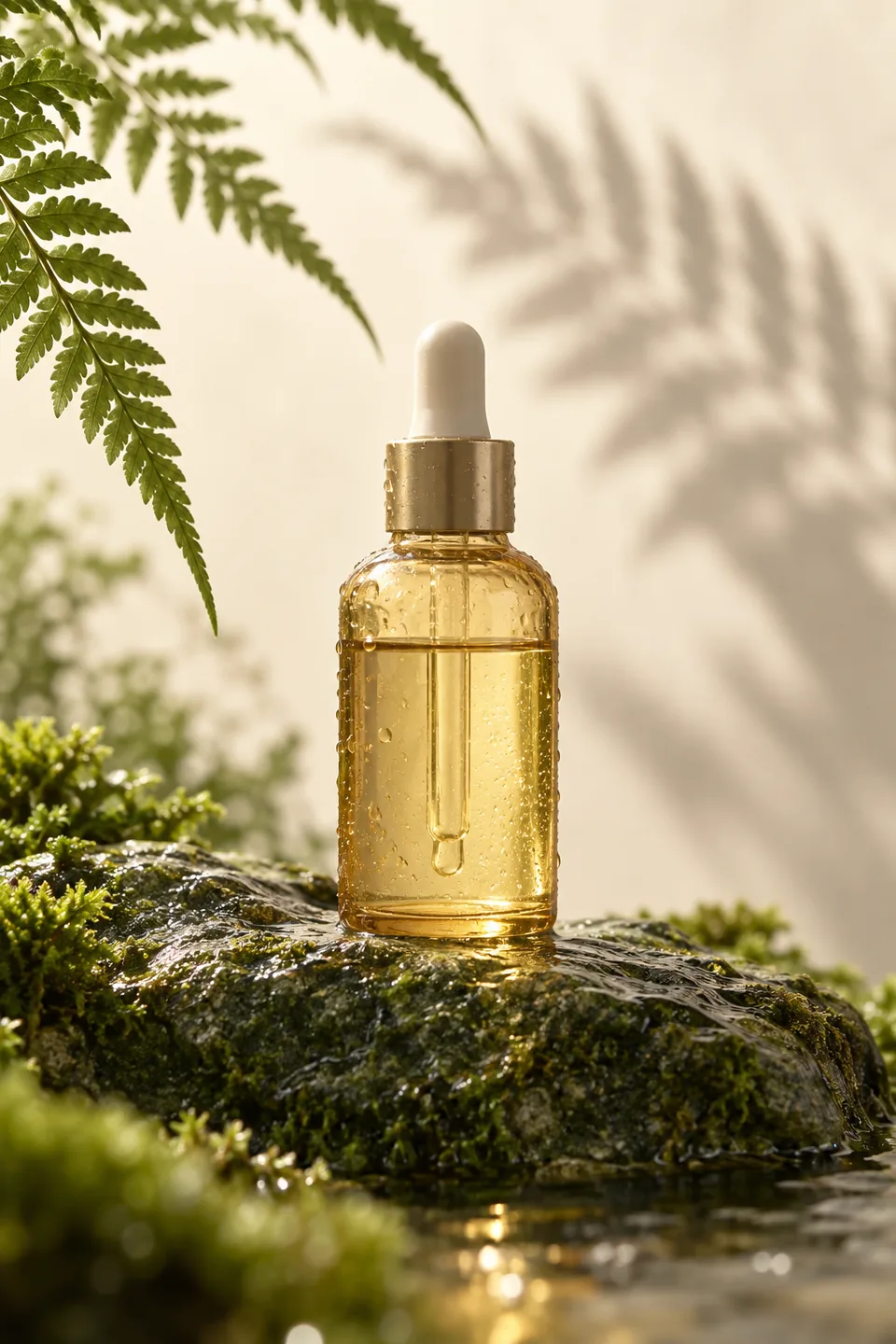
- Starting point
- One clearly identified reference
- Output
- Editable text before optional generation
- Best fit
- Composition, lighting and style breakdowns
What you can make
Understand a product reference
Describe reflections, background and negative space, then adapt the prompt to your own product.
Build a consistent series
Keep a shared palette and lighting direction while changing subjects deliberately.
Open tool
How to use it
Open the Agent, attach the intended image and ask for an image-to-prompt analysis. State whether you want its subject, its style, or both.
Specify what must stay: object count, crop, colors, readable text or the role of each reference. Ask for text only if you do not want a new image.
Review the prompt and uncertain details. Change the subject or simplify the visual treatment before using it.
When ready, request generation with your selected model and image settings. Compare the actual result with the reference; revise only the differences that matter.
Complete prompt
Start with an example
Product photo to a reusable brief
Use your own product reference and preserve the visual treatment without guessing technical metadata.
Example request
Extract a prompt from this image. Describe only visible composition, lighting, material and palette. Keep the bottle shape and label text if readable. Separate uncertain details. Give me the complete prompt in English; do not generate an image yet.
Check the result: Check object count, readable text and light direction against the reference. Remove guesses presented as facts.
Open toolAt a glance
Common questions
Can this recover the exact original prompt?
No. It produces a visual description based on the inspected reference, with estimates identified as estimates.
Can I keep the style but replace the subject?
Yes. Ask for a style-only breakdown and name the new subject. The Agent can retain the lighting, palette and composition without copying the original person or product.
Will it automatically generate a test image?
No. Ask for the prompt only to stop at text. A later generation request uses your selected image model and settings.